Crop images from two points
PointToCrop
First submitted: 1 February 2020
Updated: 2 February 2020
Author: Pranav Pradeep
Website: https://boovovfx.wordpress.com/
Compatible Nuke versions: 10.5 or later
Compatibility:
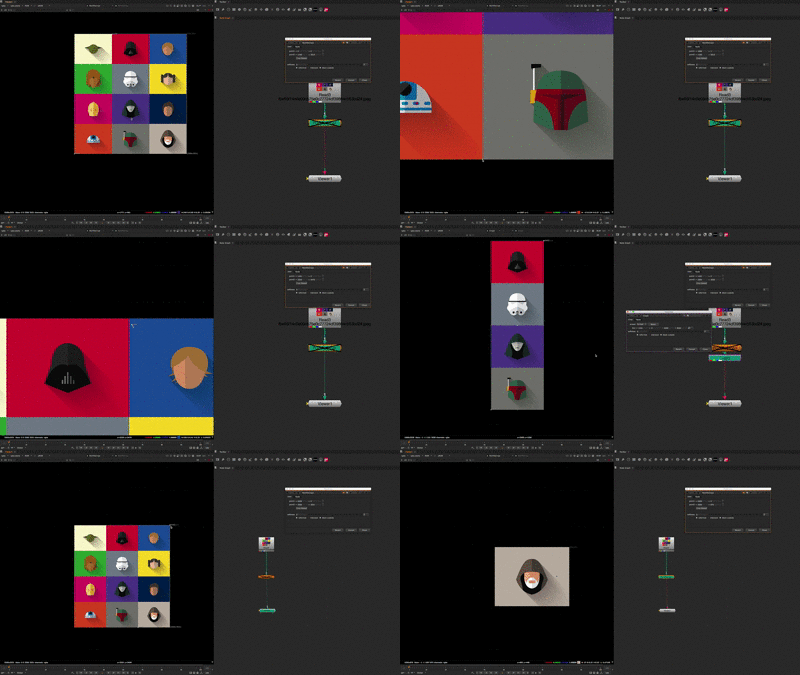
A simple Gizmo which uses 2 points to create a crop node.
Usage:
- Set Point 1 to bottom edge of the image to be cropped
- Set Point 2 diagonal to point 1 and at the edge of the image to be cropped
- Either you could create a separate crop node by pressing the 'Crop Baked' button or simply use the gizmo as the crop node
or register to download or rate.
Comments