A quick and very straightforward chromatic aberration setup, based on ray diffusion, enabling full per-channel scale and mix customization around a center point, with a clear center area option. I made this one as a helper for CG renders that I have used a lot lately on a sequence of full CG film shots, to add the kind of chromatic aberration that I could customize fully as another effect that helps simulate a real lens. Mask it with a Roto, Ramp or with a Z-Depth pass / Position pass, graded and shuffled into an Alpha.
Ray Chromatic Aberration
First submitted: 18 December 2025
Author: Horea Pop
Compatible Nuke versions: 16.0 or later
Compatibility: Windows
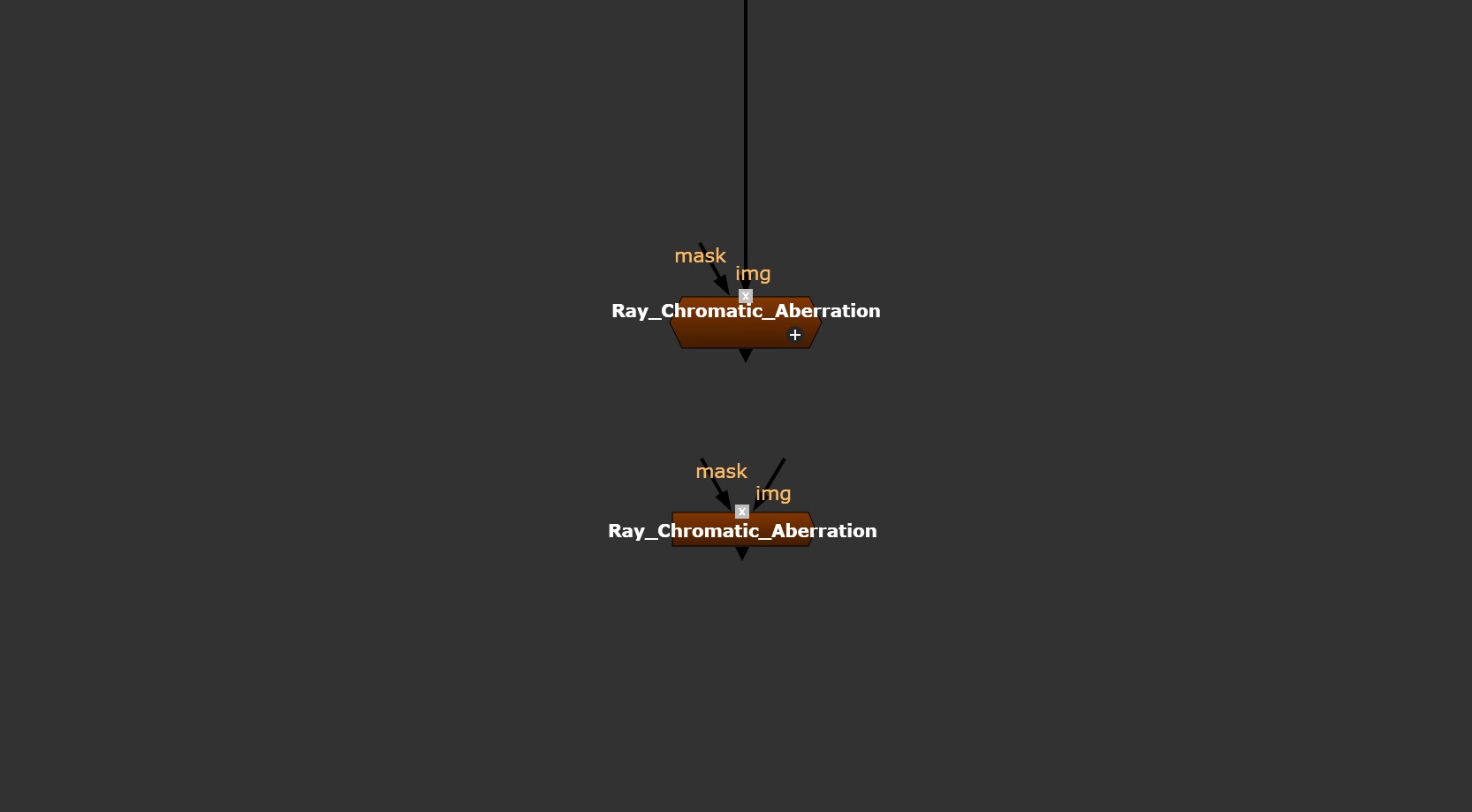
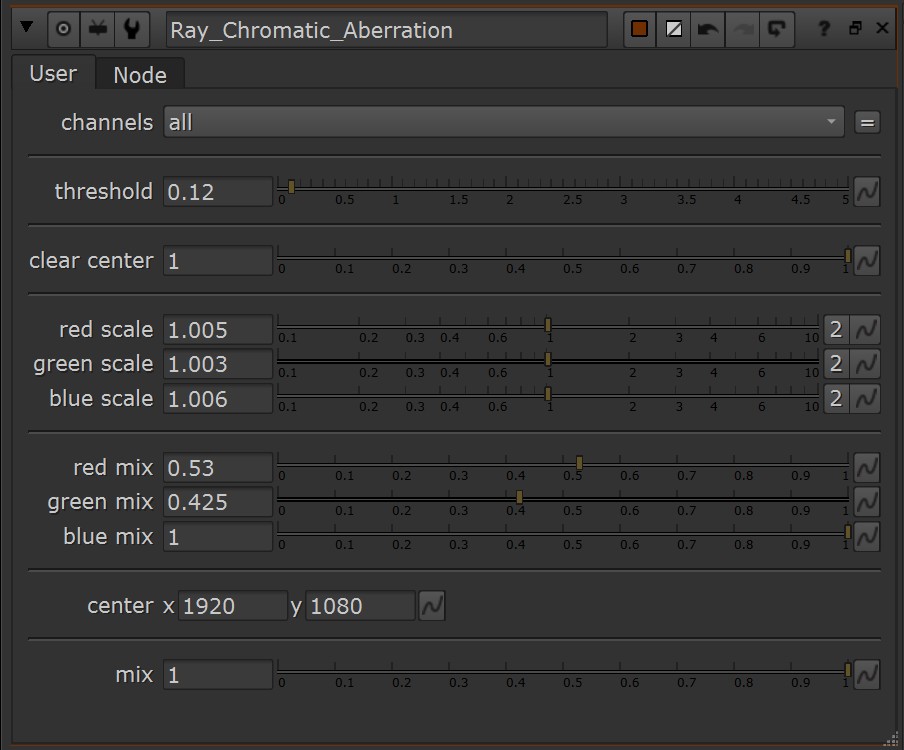
Explaining the sliders in the Gizmo:
- Channels option - the same as in other Nuke nodes.
- Threshold - filter value that the chromatic aberration is applied through.
- Clear Center - mixing in the clear center option, if not needed then the slider should be at a value of 0.5 so the center blends into the rest. Going below that would invert the Alpha.
- Red Scale, Green Scale and Blue Scale - the scale of the colors relative to the center.
- Red Mix, Green Mix and Blue Mix - mixing values of the colors.
- Center - pivot point for scale.
- Mix option - the same as in other Nuke nodes.
Let me know if you find this tool useful and please give it a rating.
or register to download or rate.
Comments