P_CardSnap is a tool designed to speed up placing 2D elements into 3D scenes with accurate depth placement.
For more info: https://www.shubham-soni.com/p-cardsnap
P_CardSnap
First submitted: 26 December 2025
Updated: 27 December 2025
Author: Shubham Soni
Website: https://www.shubham-soni.com/
Compatible Nuke versions: 13.0 or later
Compatibility: Linux, Mac, Windows
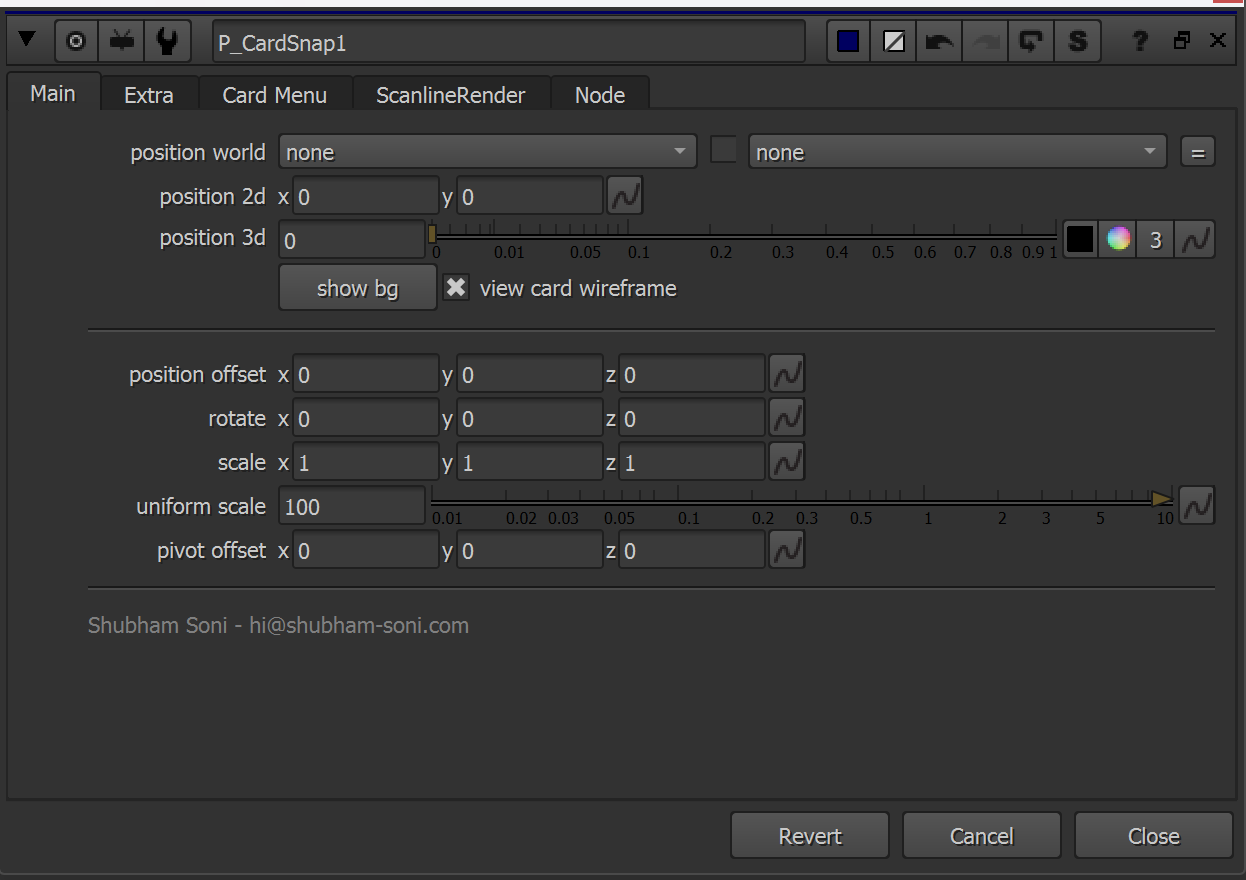
Just by simply selecting a point in the viewer, the tool samples the Position AOV pixel value and automatically snaps a 3D card to the correct XYZ location in the scene. This makes integrating elements like fire, smoke, dust, or explosions fast and precise. without manual guessing or trial-and-error.
Key features
• Interactive 3D card placement by directly selecting point in the viewer
• Works with Deep Merge / Holdout setups
• Cards always face the camera (with look-at-camera feature)
• Auto physically correct 2d element scaling based on depth
Installation
1 - Copy P_CardSnap.gizmo into your .nuke folder.
2 - Open menu.py inside the .nuke folder (create it if it doesn’t exist).
3 - Paste this code into menu.py:
import nuke
nodes = nuke.menu('Nodes')
transform = nodes.findItem('Transform')
transform.addCommand('P_CardSnap', "nuke.createNode('P_CardSnap.gizmo')", icon='Transform.png')
4 - Restart Nuke.
or register to download or rate.
Comments