A small gizmo to make very quick transitions between two shots.
From the left to the right (and vice versa).
From the top to the bottom (and vice versa).
A small gizmo to make very quick transitions between two shots.
From the left to the right (and vice versa).
From the top to the bottom (and vice versa).
First submitted: 18 March 2026
Author: julien sabatier
Website: https://www.youtube.com/@juliensabatier7173/videos
Compatible Nuke versions: 12.1 or later
Compatibility: Windows
3 snapshots to help you to understand how it works and the results.
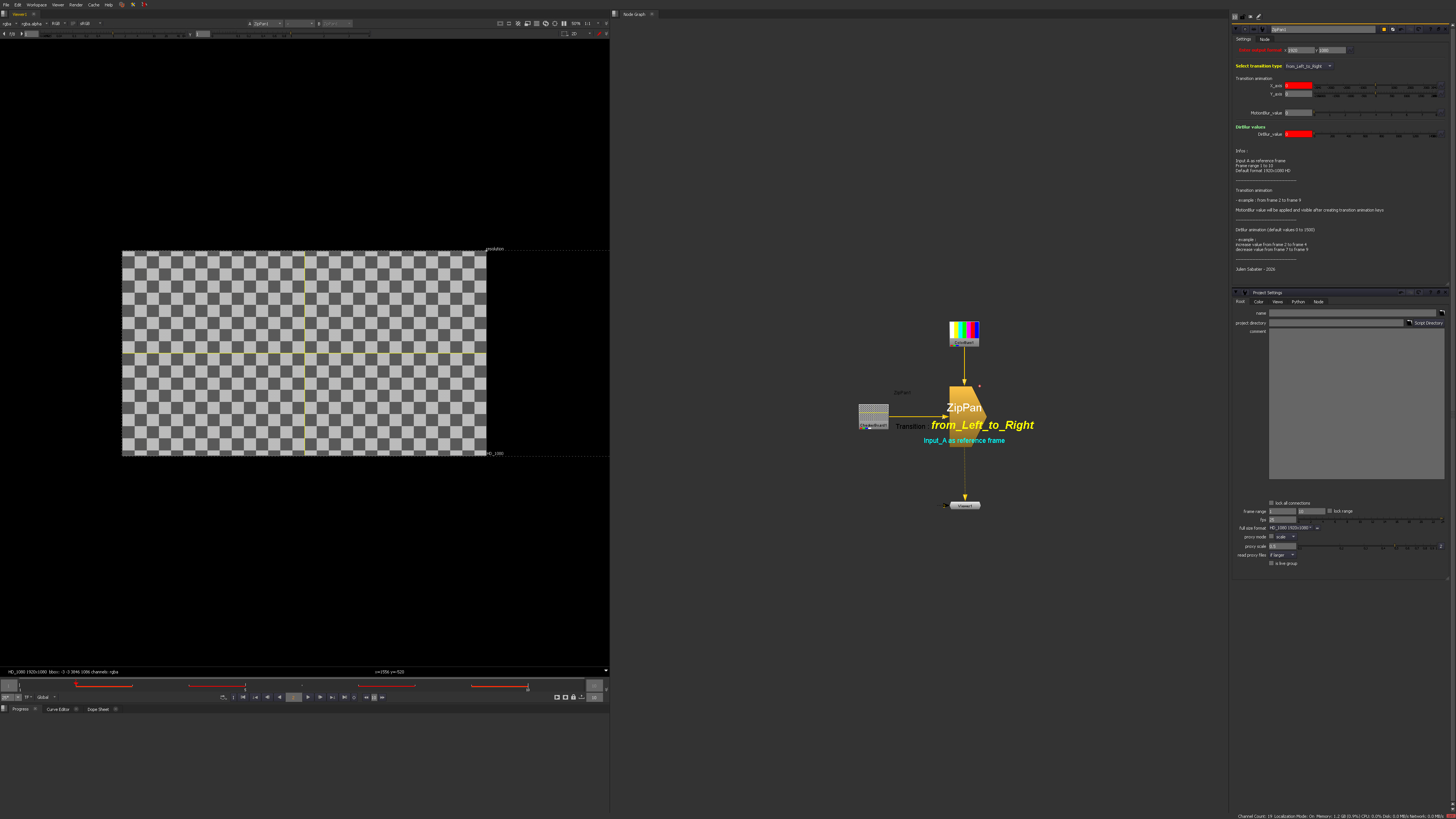
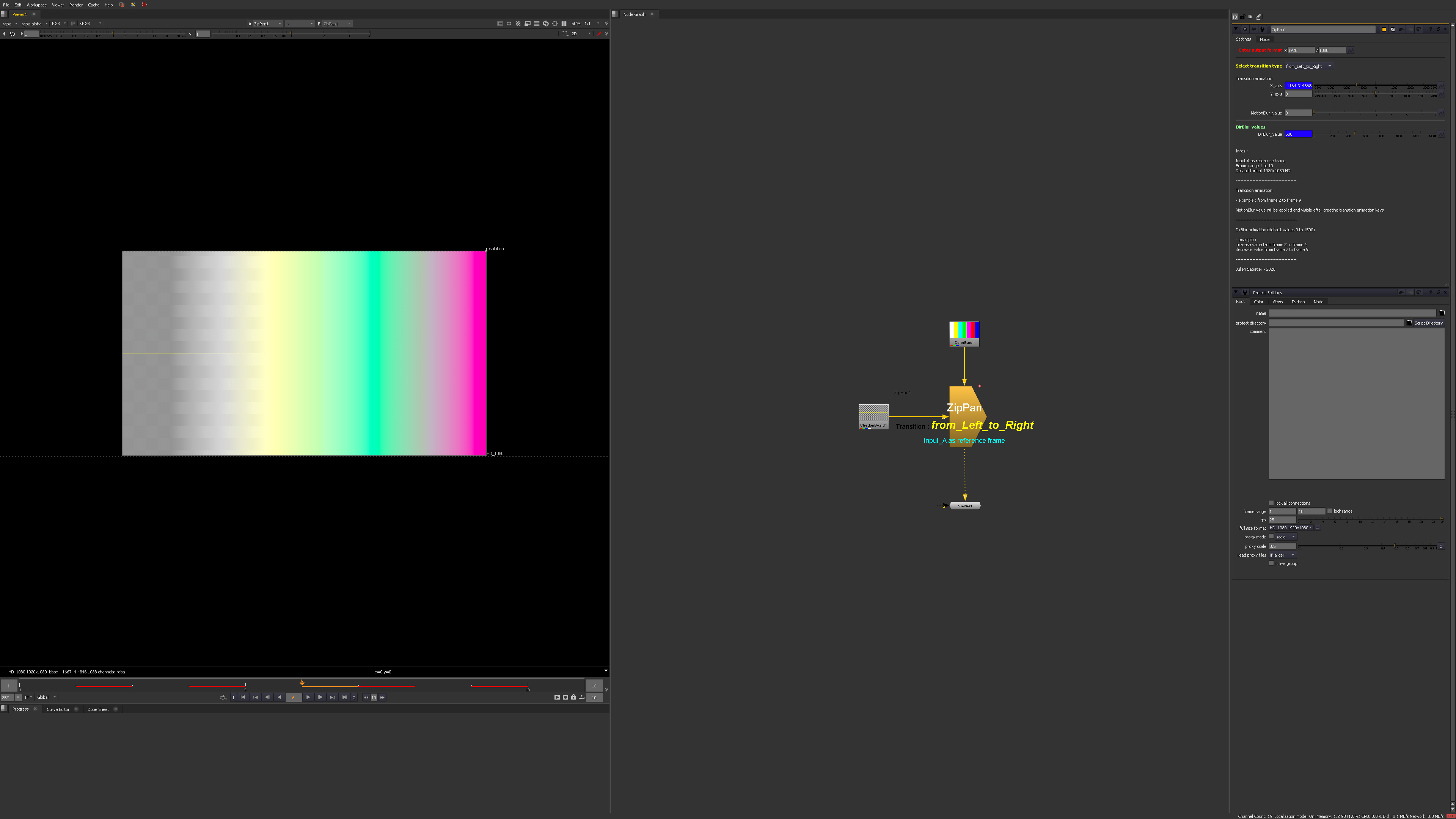
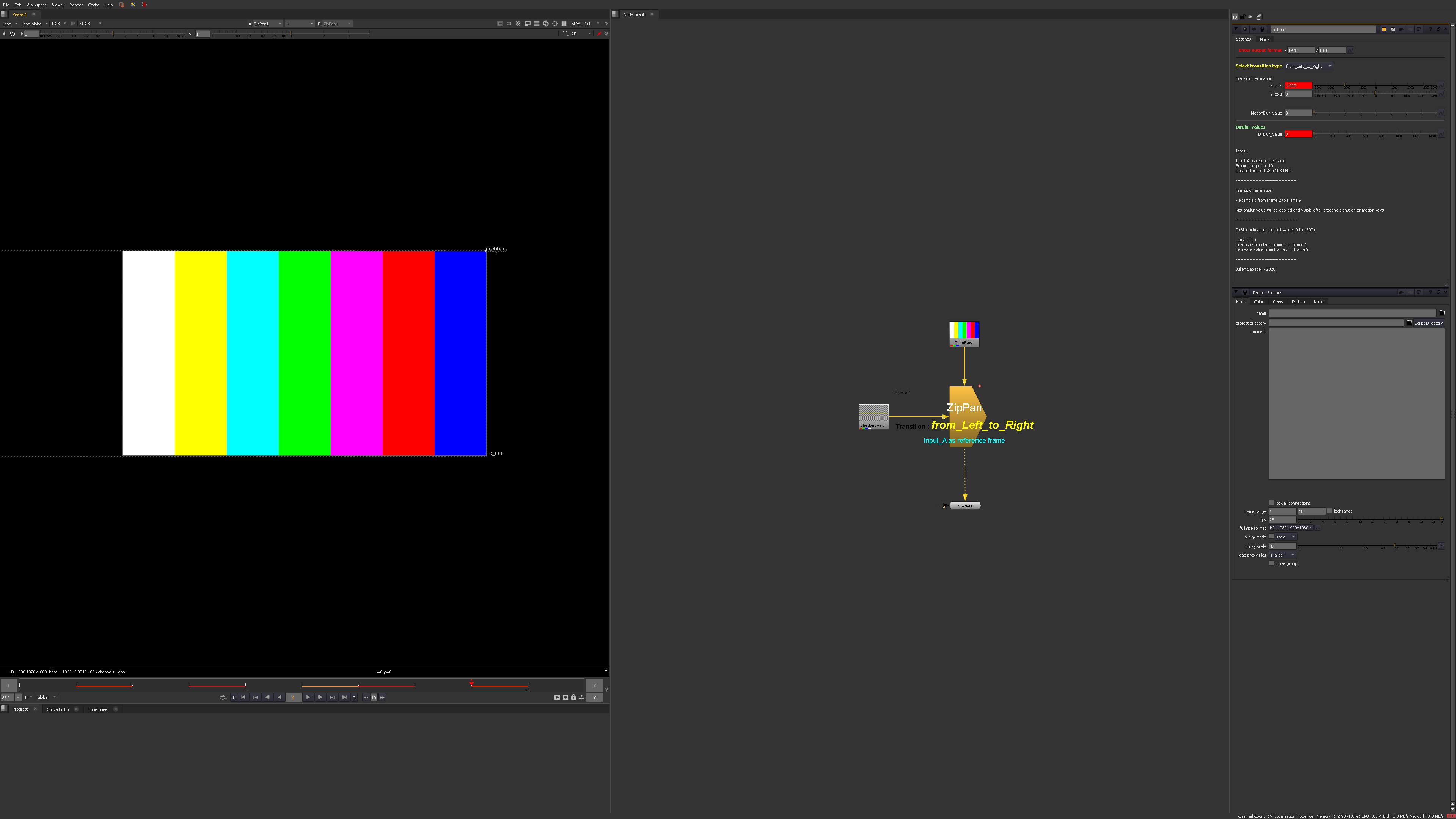
This gizmo helps you to make zippan transitions. With a time range of 5-6 frames , you will be able to animate a zip transition from the left to the right (and vice versa) and from the top to the bottom (and vice versa).
1 - Enter the output format (match it to your project settings format)
2 - Select which transition type you wish to create
3 - Animate values along the selected axis (X axis for Left to Right / Y axis for Top to Bottom)
4 - add some motion blur if you wish (optional)
5- Animate the Directional Blur value (until 1500 by default)
Enjoy
The values can be adjusted to suit your needs.
Julien Sabatier - March 2026
Comments