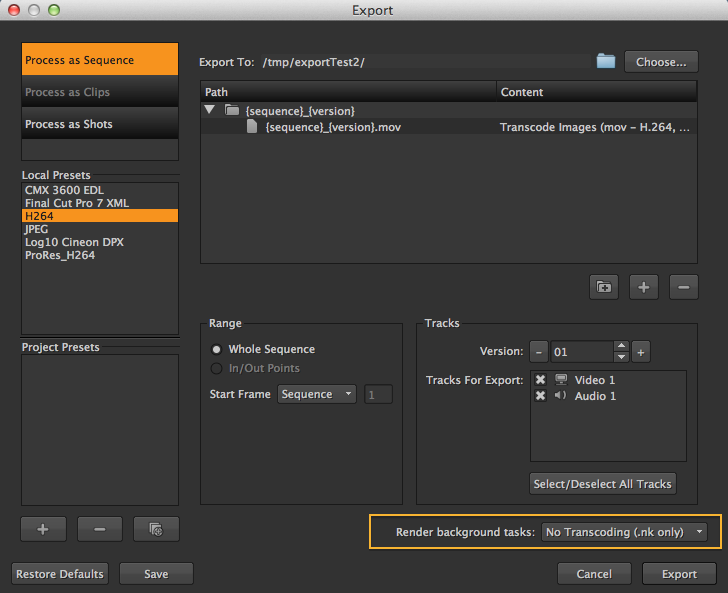
Adds .nk only (No transcoding) option to the Export dialog
Export - .nk only submission with no transcoding
First submitted: 19 November 2013
Author: Antony Nasce
Compatible Nuke versions: 6.3 or later
Compatibility:
Adds option to the Export dialog in Render background tasks, for submission of Nuke scripts only, (no transcoding)
This is useful if you just want to open up the Nuke script and inspect it, or pass it on to a renderer elsewhere.
Usage:
1) Copy to: ~/.hiero/Python/Startup,
2) On Export dialog, select 'No Transcoding (.nk only)' from 'Render background tasks' list.
or register to download or rate.
Comments