A 3-step backdrop tool: create filled or bordered backdrops, auto node-type colors, fine-tune size/color, and move & resize precisely with arrow keys.
AG Backdrop Tools
First submitted: 31 January 2026
Updated: 2 February 2026
Author: Alexandre Gaudiano
Website: https://www.agaudiano.com/
Compatible Nuke versions: 10.0 or later
Compatibility: Source
Hello !
I created this small package because I couldn’t find a backdrop tool that fully met my needs.
The tool is divided into three steps:
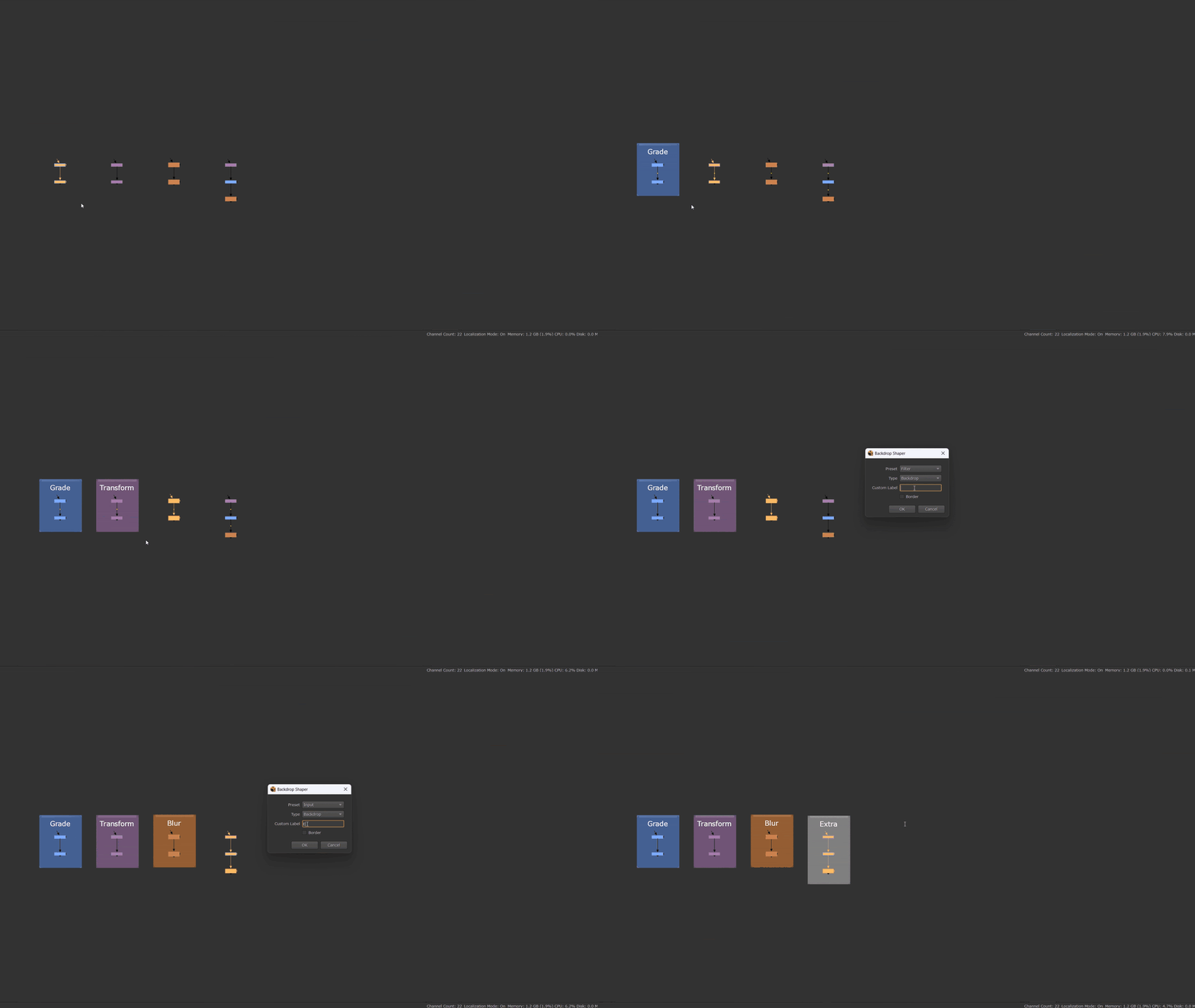
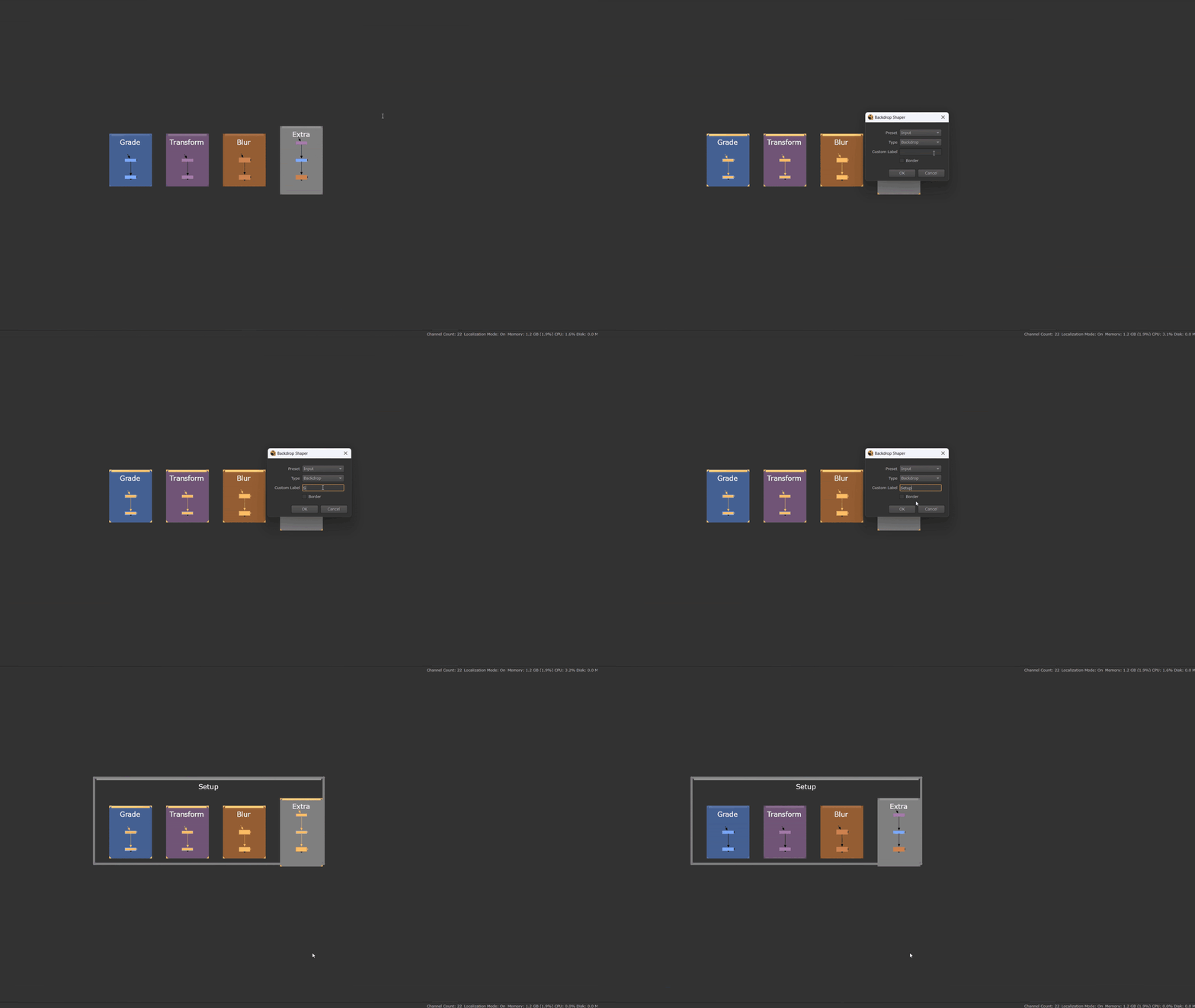
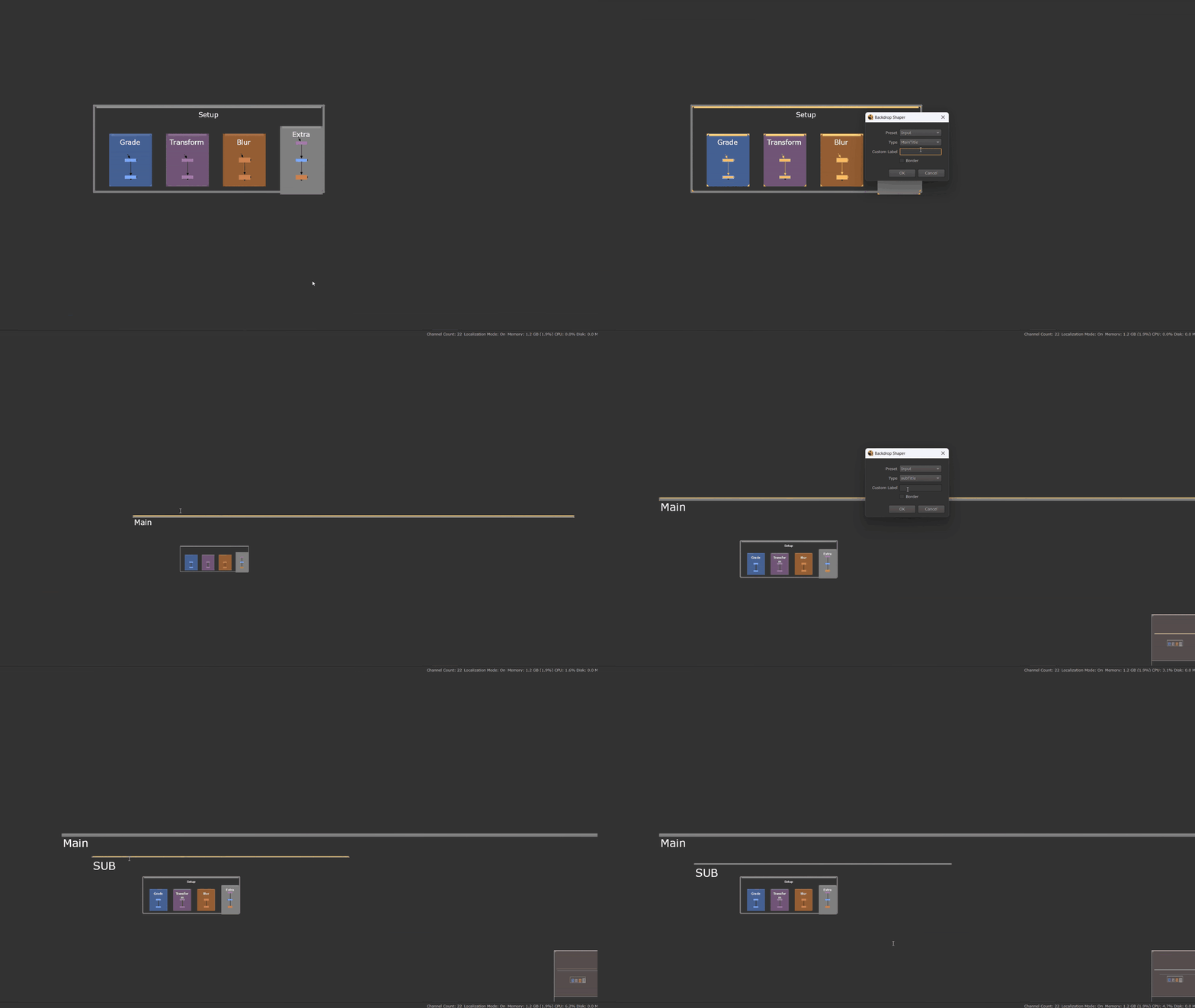
1. Base Backdrop Creation
The first window is dedicated to creating the base backdrop. You can choose between a filled or border-only backdrop. All available colors are automatically based on node types, ensuring visual consistency. You can also create separator bars to better organize your node graph.
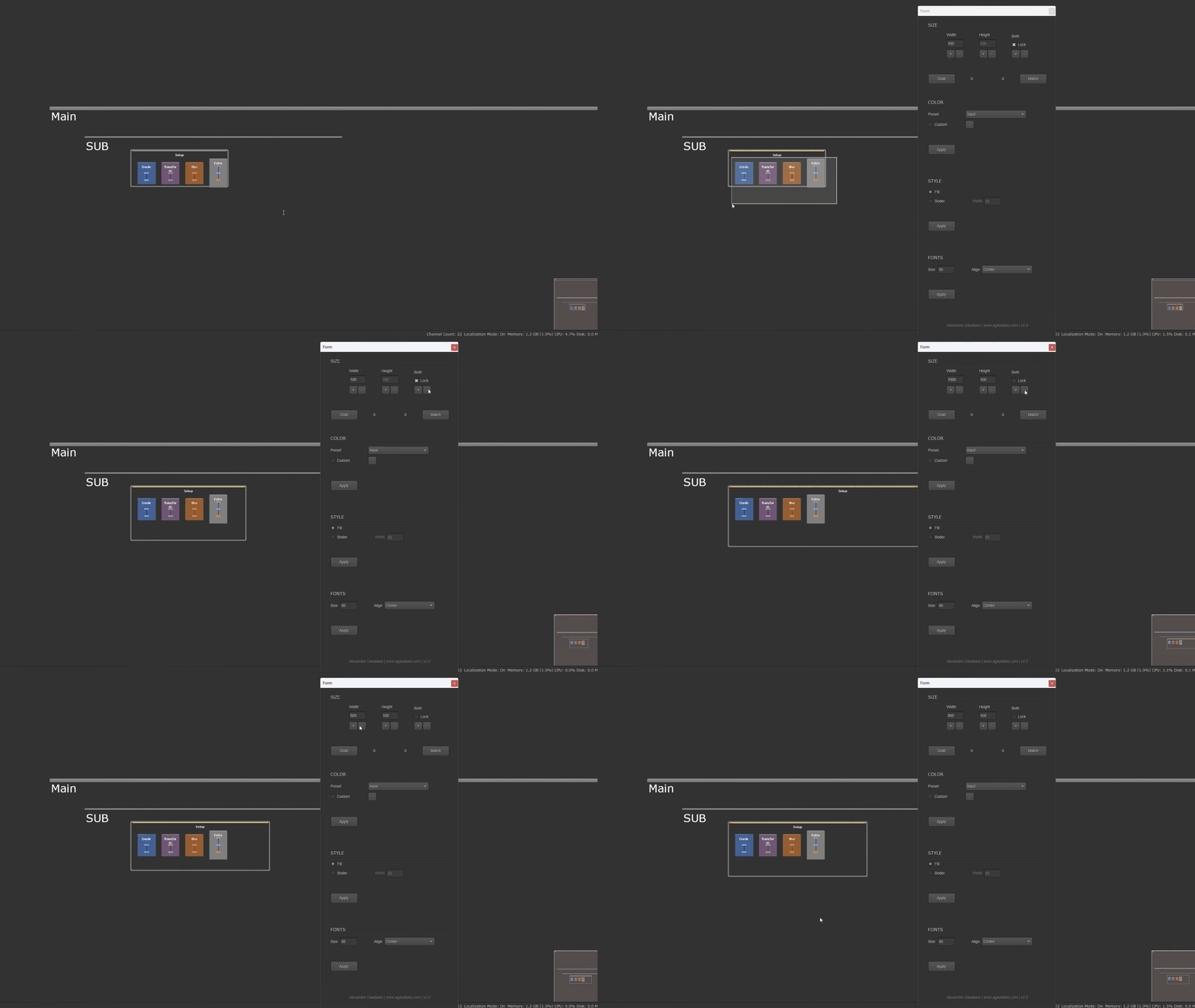
2. Backdrop Fine-Tuning
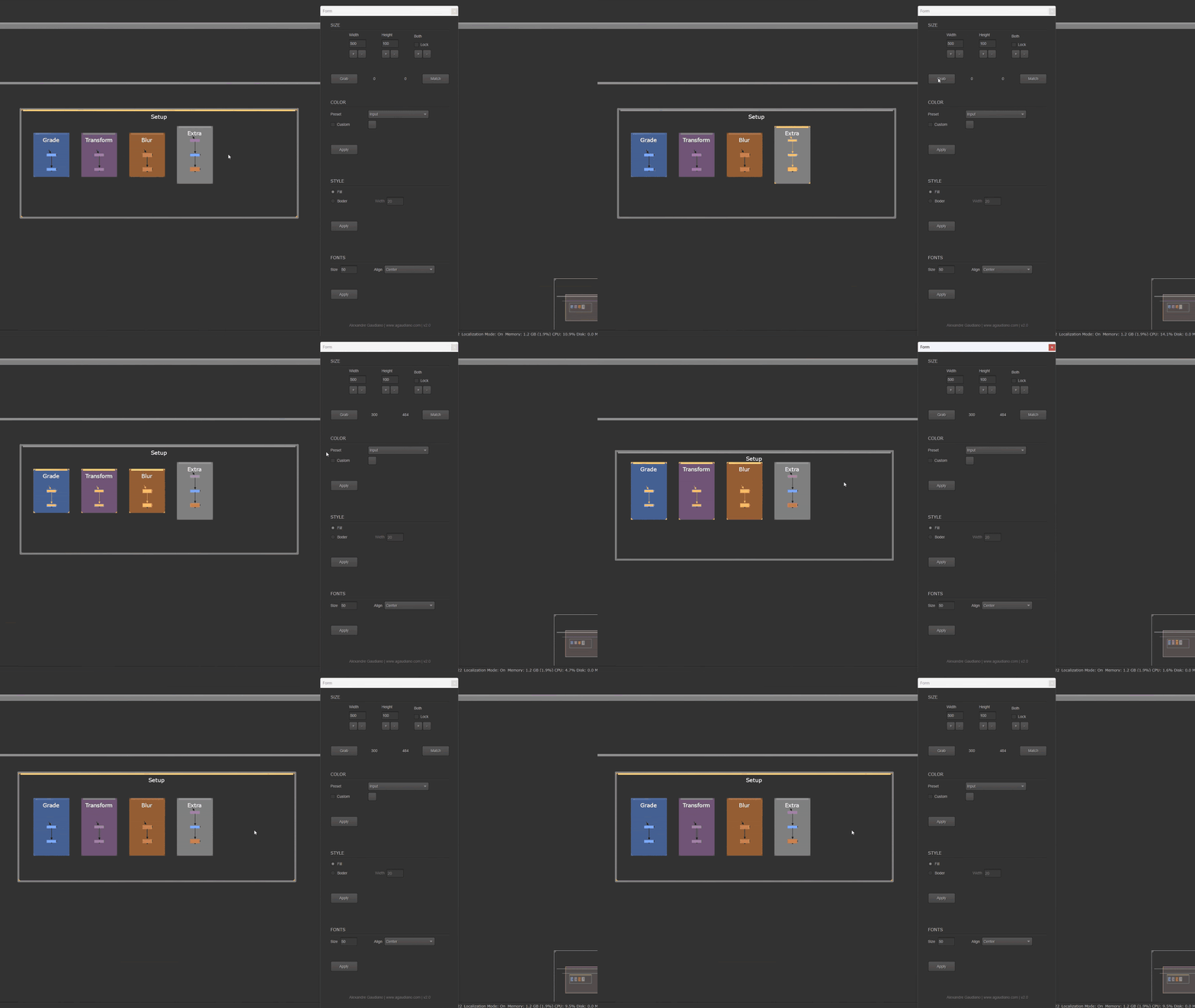
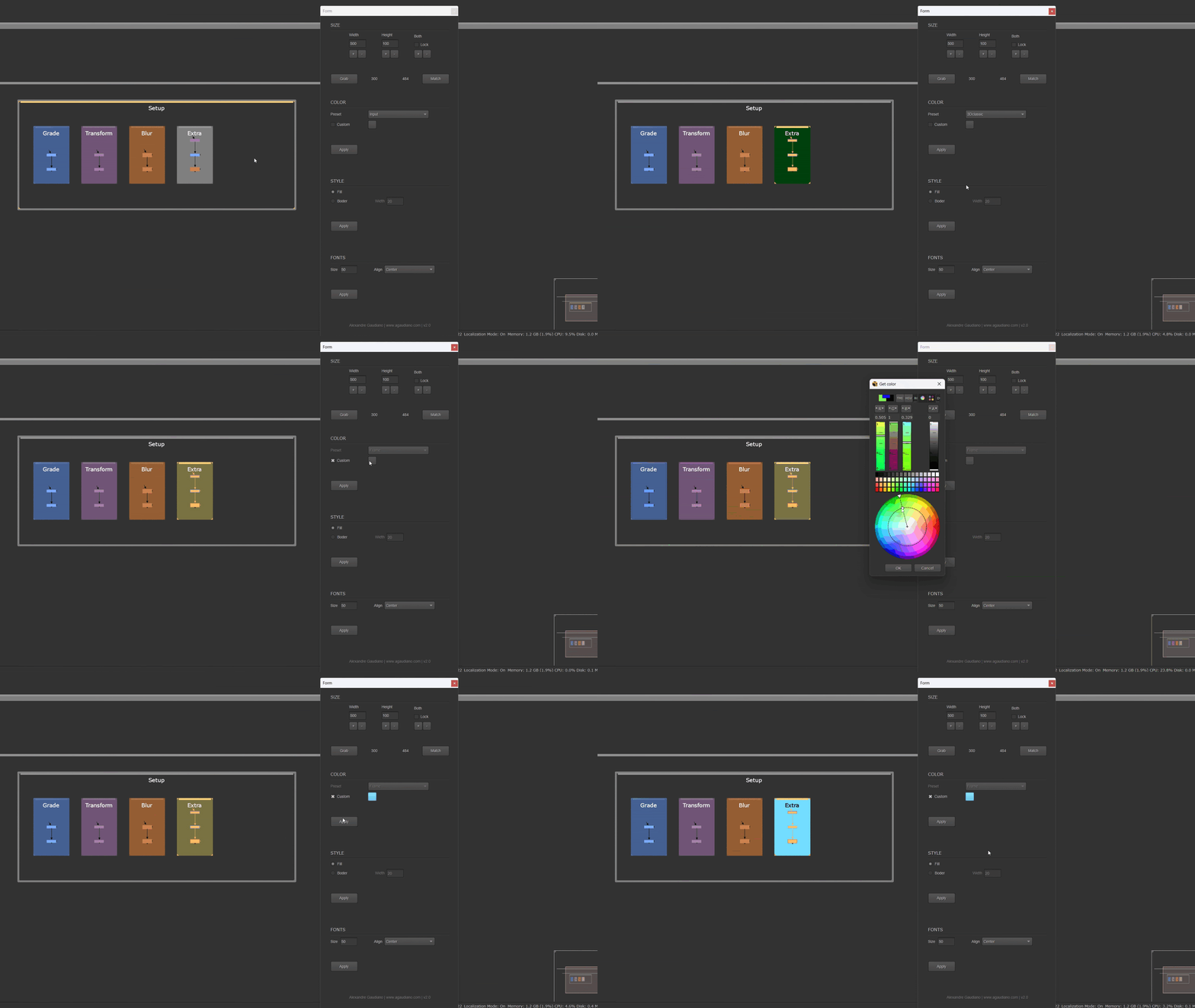
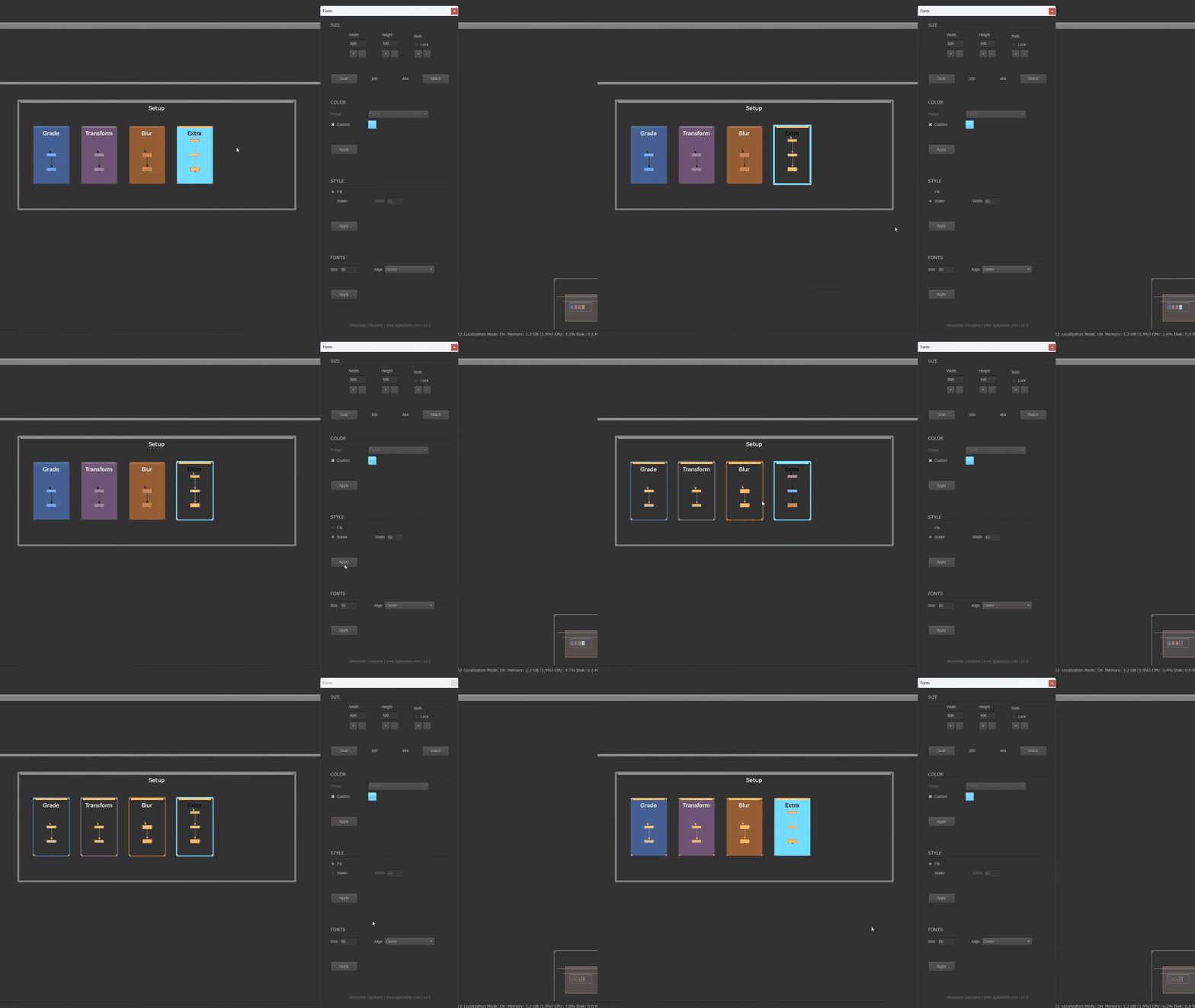
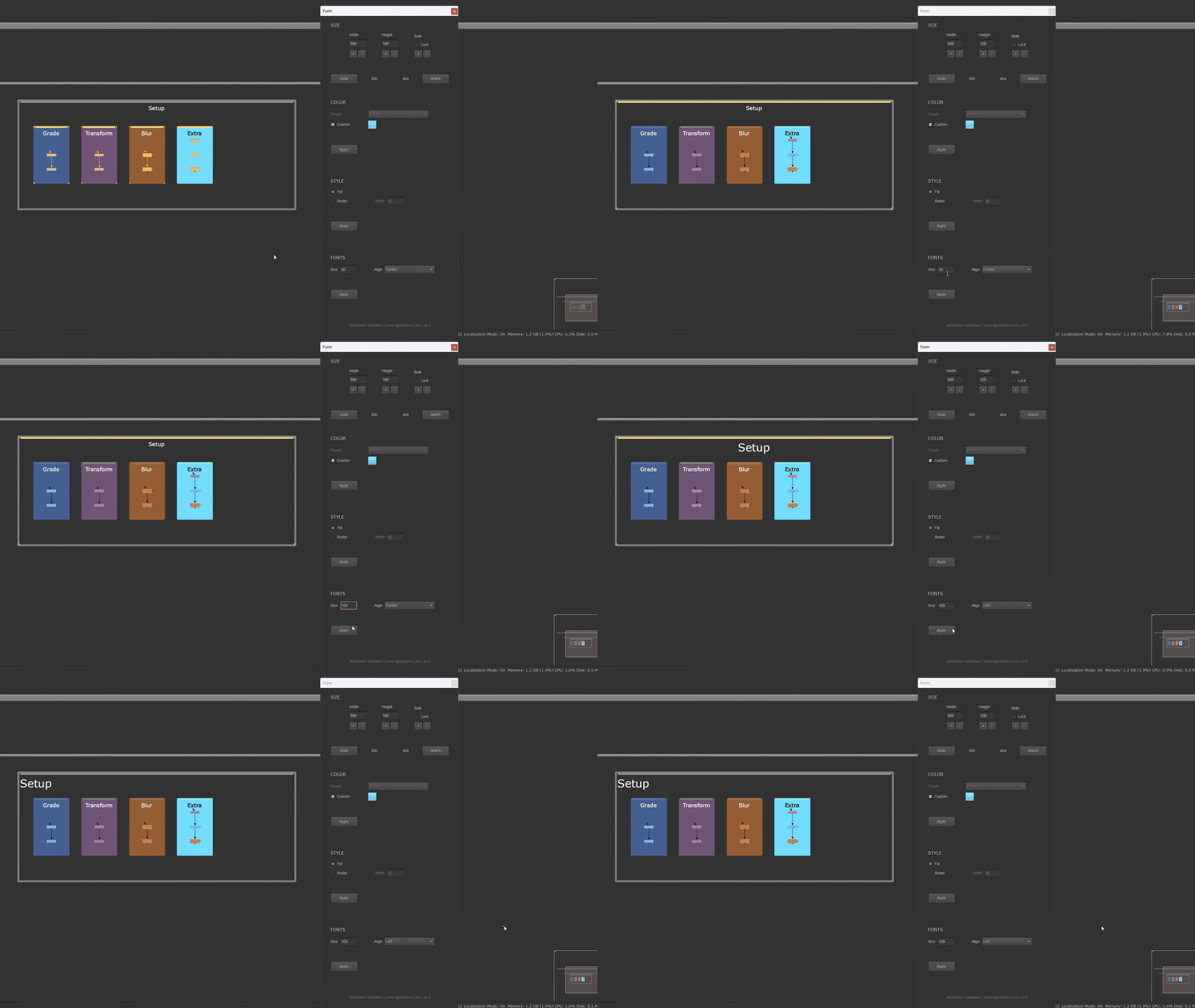
The second window allows you to fine-tune your backdrops. You can resize them using a feature inspired by Maya’s Get/Set Texel Density, making scaling fast and intuitive. You can also change colors, including a custom color option, along with several additional controls for precise adjustments.
3. Position & Size Adjustments
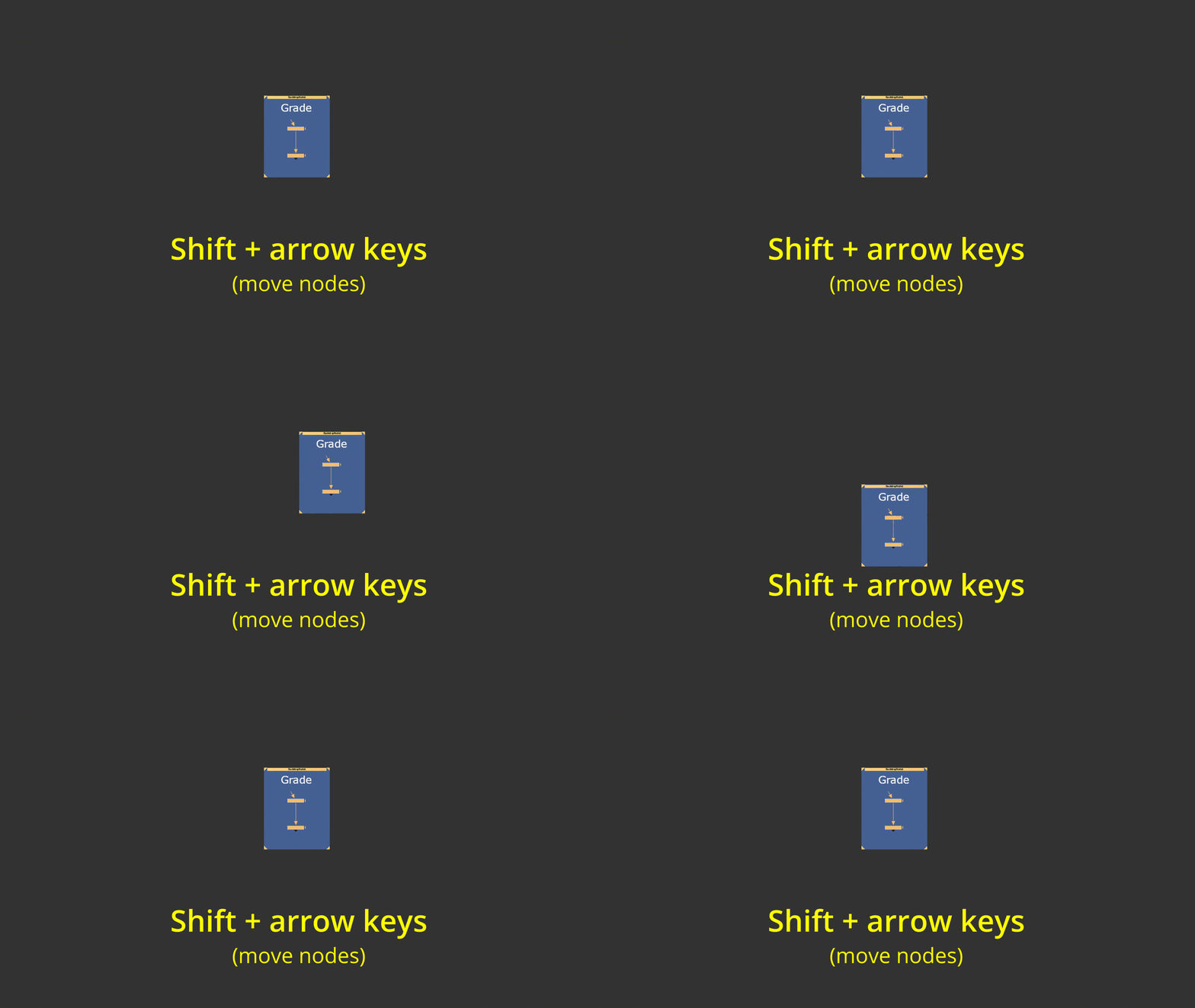
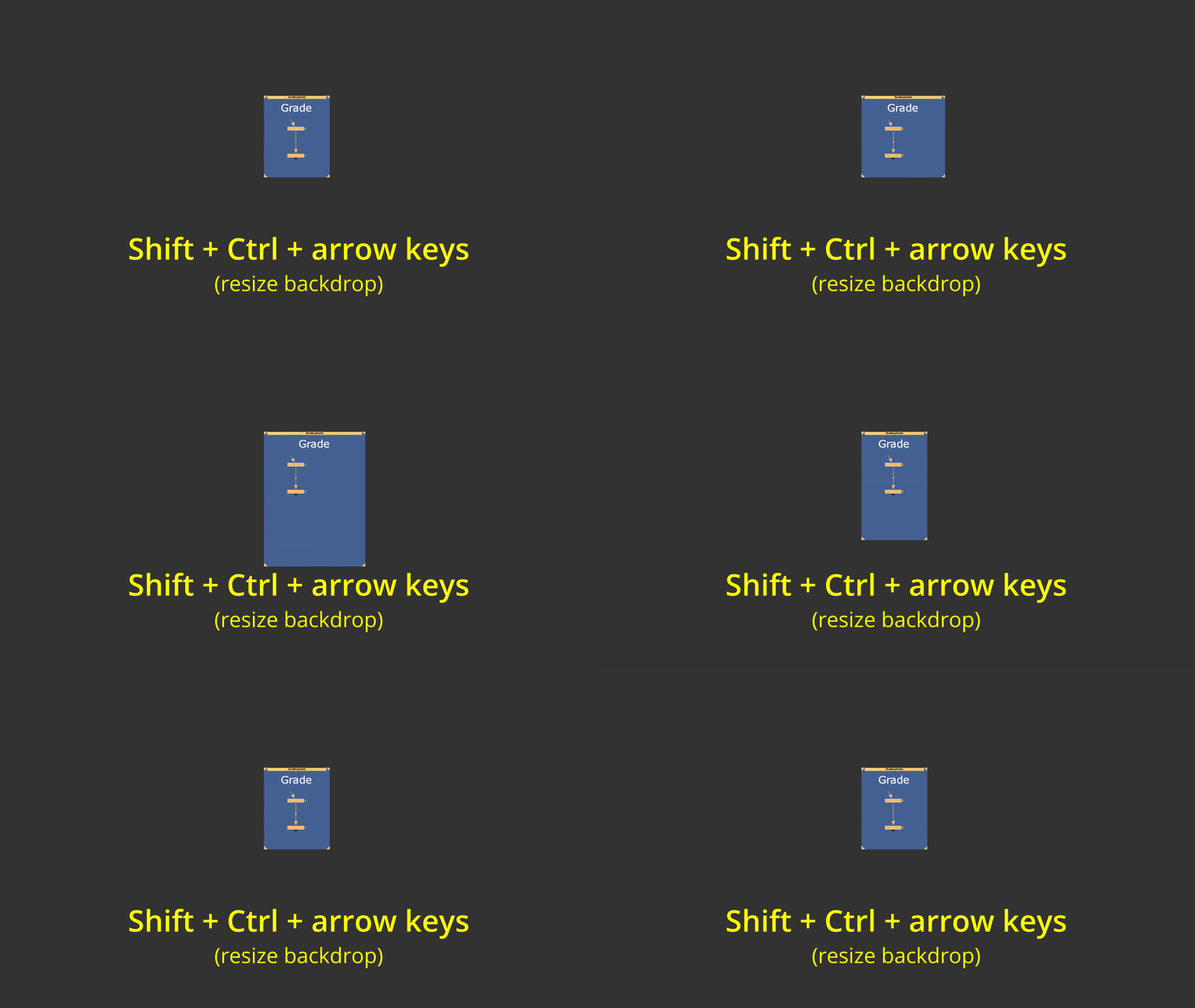
Finally, you can adjust the backdrop’s size and position using the arrow keys — easily the most useful feature in my opinion — for quick and accurate layout tweaks directly in the node graph.
INSTALLATION
Put the folder "AG_Backdrop_Tools" in your .nuke folder
Put both files menu.py and init.py in the .nuke folder OR copy/paste the content of both files in your existing menu.py and init.py
DEMO :
https://youtu.be/7lhp1C8rd5A?si=8VVsr-4fr6PEaIAk
I hope you're gonna like it.
or register to download or rate.
Comments