Breakdown Pro

  1. Breakdown Pro for Nuke

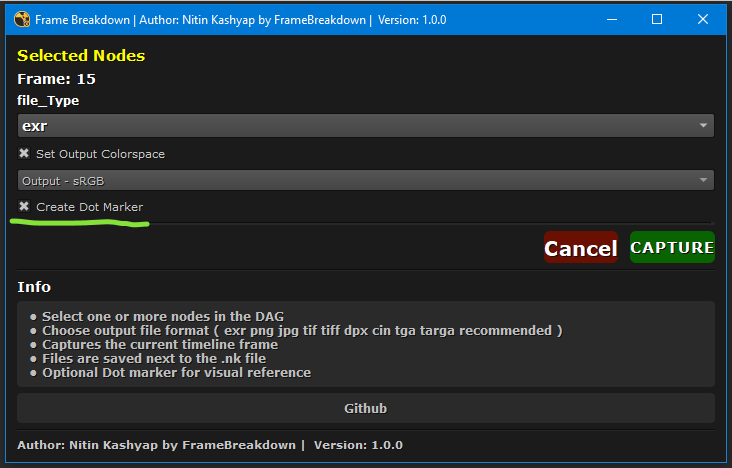
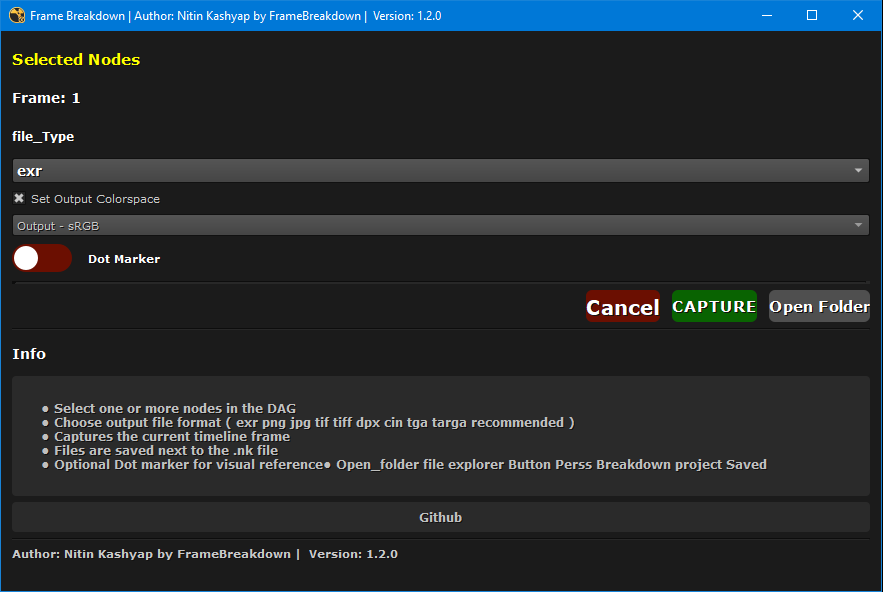
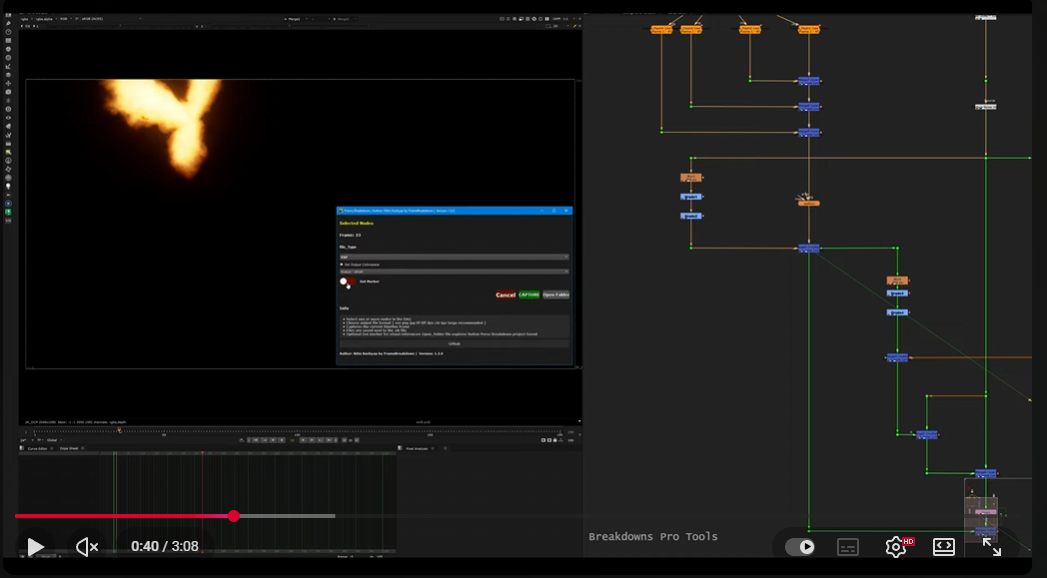
  • Frame_Breakdown is a professional Nuke tool that captures a single frame from selected nodes and saves breakdown images automatically. It is designed for fast look-dev, reviews, and shot breakdowns.
First submitted: 6 January 2026

Author: Nitin Kashyap

Compatible Nuke versions: 12.2 or later

Compatibility: Linux, Mac, Windows

  1. Features

    • Capture current frame from selected nodes

    • Works with one or multiple nodes

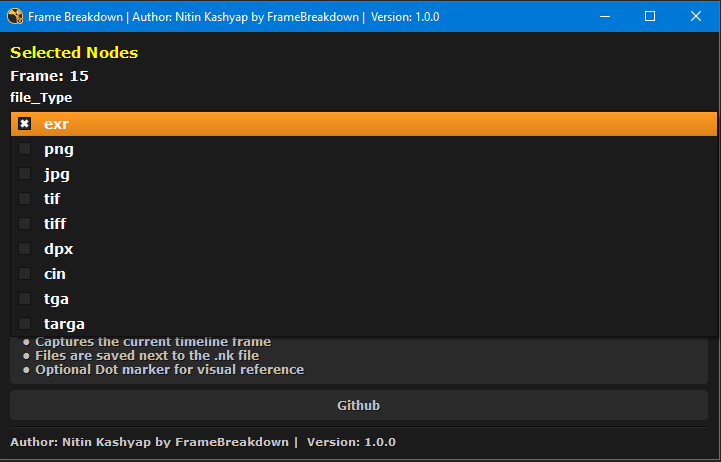
    • Supported formats:

      • exr

      • png, jpg

      • tif, tiff

      • dpx, cin

      • tga, targa

    • Optional output colorspace control

    • Optional Dot Marker creation in DAG

    • Auto creates output folder

    • Auto deletes temporary Write nodes

    • Sound notification after capture

    • Works on Windows / Linux / macOS

    • Compatible with Nuke 12 – 16

  2. Installation

    Step 1: Copy Folder

    Copy .folder to your .nuke folder.

    Windows

    C:/Users/<username>/.nuke/
    

    Linux / macOS

    ~/.nuke/
    

  3. Step 2: Add Init Entry

    Open (or create) init.py inside .nuke and add:

    nuke.pluginAddPath("./Frame Breakdown")

    Restart Nuke.

  4. How to Use

    1. Open your Nuke script

    2. Save the script

    3. Select one or more nodes in the DAG

    4. Open:

      Nuke → NK_Tools → Frame Breakdown
      
    5. Choose file format

    6. (Optional) Enable colorspace

    7. (Optional) Enable Dot Marker

    8. Click CAPTURE

  5. Output Location

    Files are saved next to your .nk file:

    /your_project/breakdowns/
    

    File Naming

    ScriptName_001_NodeName.1001.exr
    
  6. Dot Marker (Optional)

    • Creates a green Dot below the node

    • Label: Breakdown

    • Helps visually identify breakdown points in the DAG

  7. Colorspace Handling

    • EXR: Written natively with compression

    • Non-EXR: Selected output colorspace is applied

  8. Sound Notification

    • Plays 02.wav if available

    • Falls back to system beep if sound file is missing

  9. Notes

    • Script must be saved before capture

    • Only captures single frame (by design)

    • Safe to use (no changes to original nodes)

or register to download or rate.

Comments

or register to join the conversation.

Download Verification