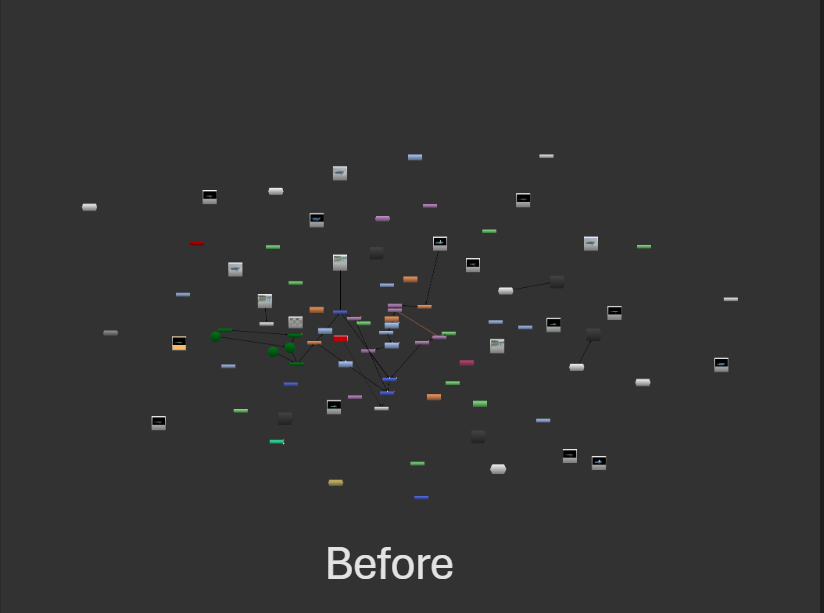
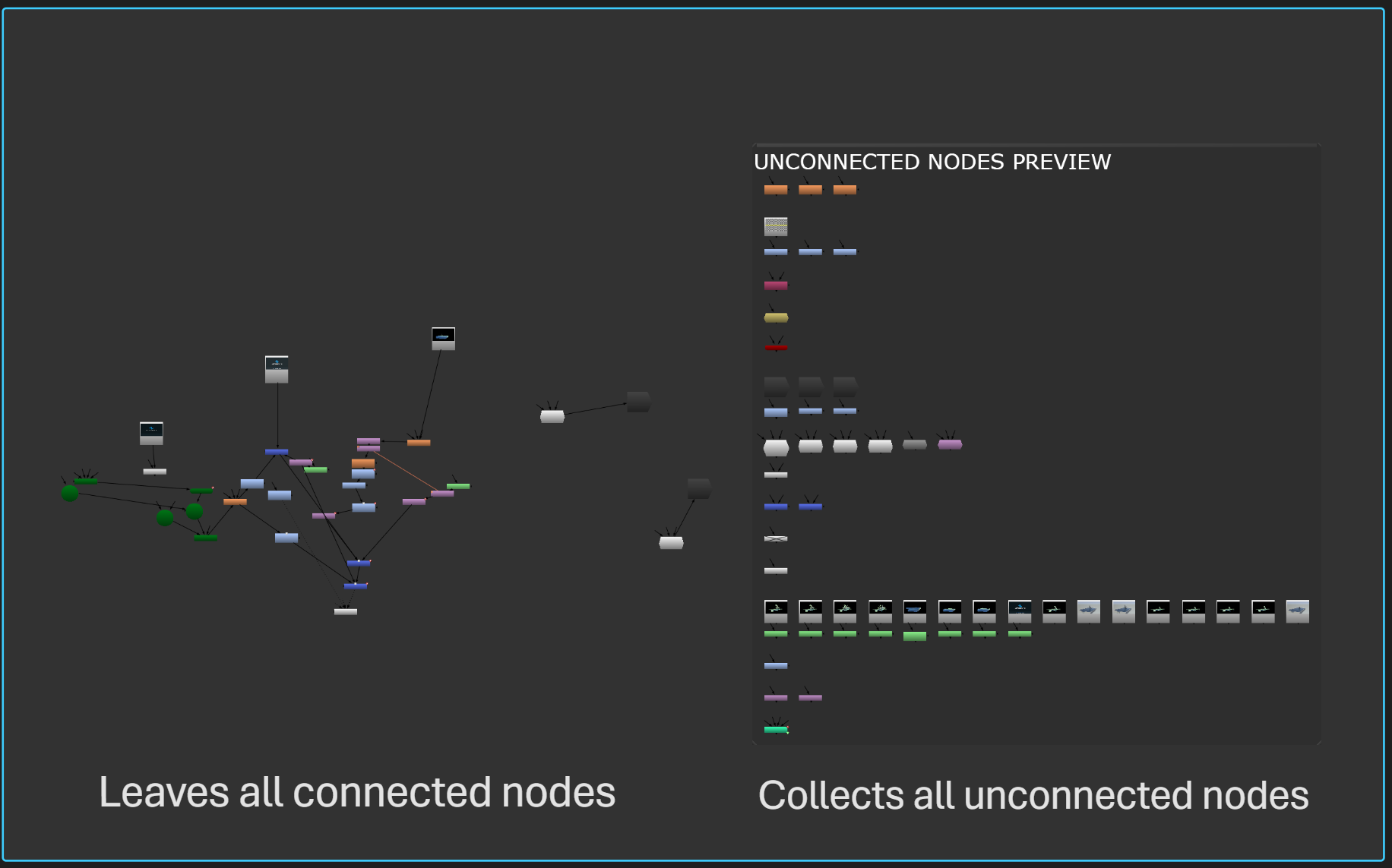
This tool finds all completely unconnected nodes in your script,
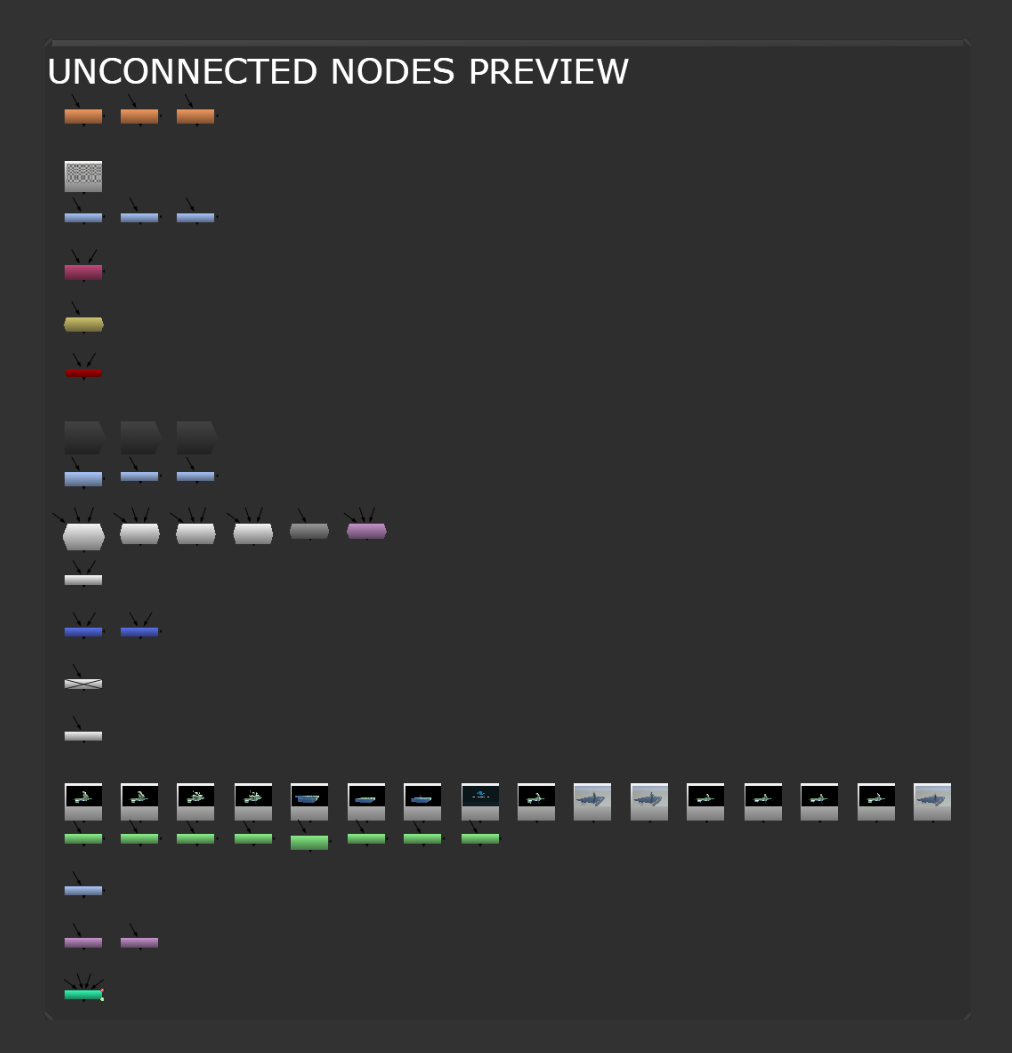
groups them by class, lays them out cleanly, and places them inside
a single backdrop to the right of your node graph.
The tool does NOT modify connected nodes.
This tool finds all completely unconnected nodes in your script,
groups them by class, lays them out cleanly, and places them inside
a single backdrop to the right of your node graph.
The tool does NOT modify connected nodes.
First submitted: 15 February 2026
Updated: 23 February 2026
Author: Lou Cannizzo
Website: http://www.louvfx.com
Compatible Nuke versions: 12.0 or later
Compatibility: Source
Unconnected Node Tool
UPDATED 1.2
Unconnected tool finds all completely unconnected nodes in your script, groups them by class, and lays them out cleanly. Pressing F9 quickly collects all unconnected nodes and places them into a backdrop. It groups them by their class and keeps them organized together. This instantly cleans up your script, while preserving any miscellaneous nodes such as sticky notes, backdrop nodes, Viewer nodes, etc..
Never again will you have to hunt & delete unconnected nodes.
Installation:
1. Copy show_unconnected_nodes.py into your ~/.nuke folder
That's it!
Comments