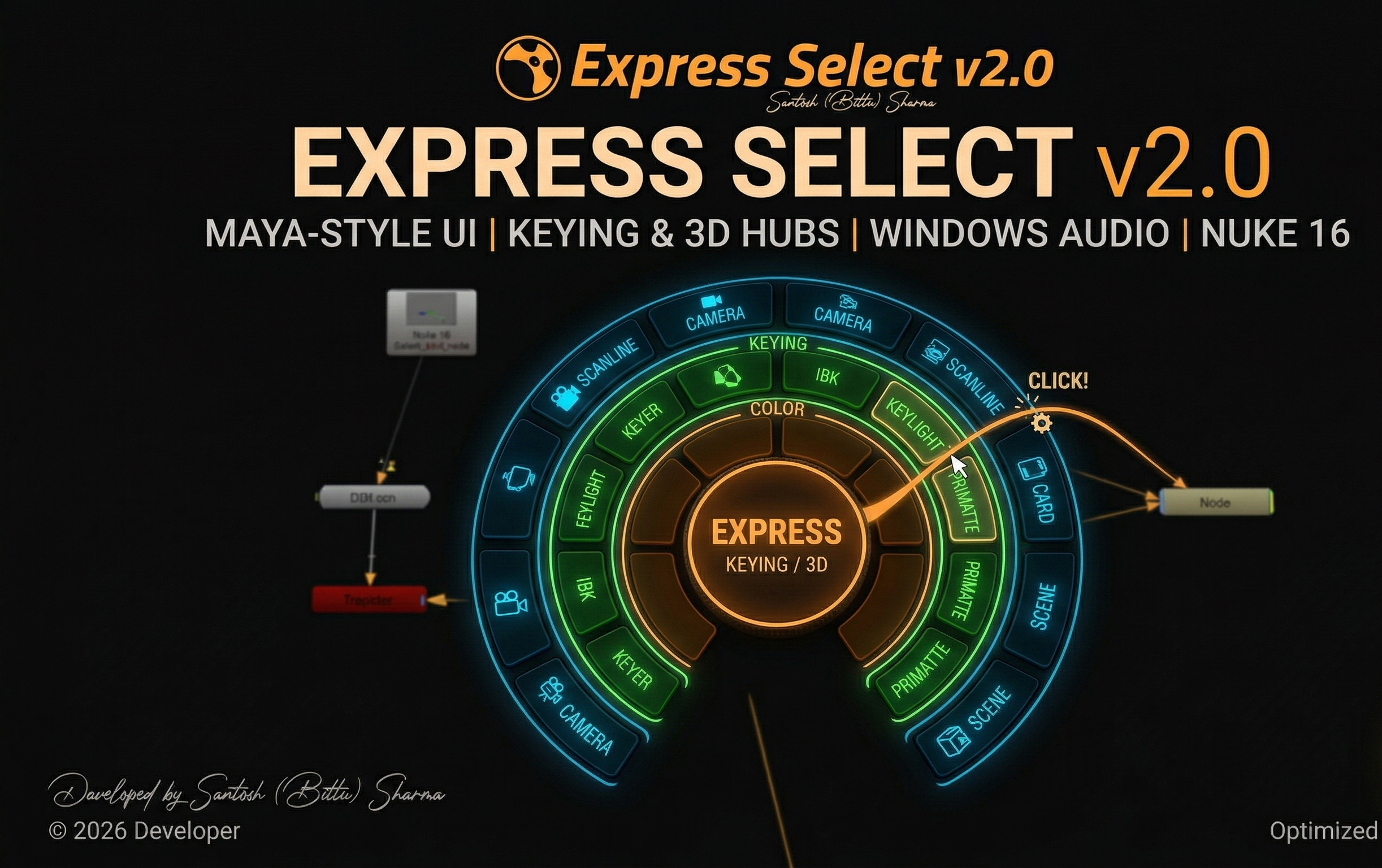
Express Select v2.0 - Maya Style Marking Menu

"A professional-grade radial UI for Nuke that brings Maya’s legendary marking menu efficiency to the compositing world. Fully branded and optimized for Nuke 16."

Might be after download it will autorename- so Download file name should be- express_select.py
First submitted: 26 March 2026

Updated: 27 March 2026

Author: santosh sharma

Website: https://www.linkedin.com/in/santosh-sharma-700973249/

Compatible Nuke versions: 16.0 or later

Compatibility: Source

Place express_select.py into your .nuke directory.

Copy this code to menu.py

import nuke

import express_select

# 1. Clean

nuke.menu('Nuke').removeItem('EXPRESS')

# 2. Add Brand Menu with Credit info

m = nuke.menu('Nuke').addMenu('EXPRESS')

m.addCommand('Express Select Hub', 'express_select.start_toggle()', 'm', shortcutContext=2)

m.addSeparator()

m.addCommand('Developer: Santosh (Bittu) Sharma', '', '')

print("--- EXPRESS SELECT v2.0 BY SANTOSH SHARMA LOADED ---")

A Message for User-
Might be after downloading it will autorename- so the download file name should be- express_select.py

License: MIT License (Free for personal and commercial use).

Developer: Santosh (Bittu) Sharma

Copyright: © 2026 Santosh Sharma Pipeline Series.

Terms: This tool is provided "as-is". Please credit the author if integrating into a larger studio pipeline.

or register to download or rate.

Comments

or register to join the conversation.

Download Verification