Adaptive LULU-based smoothing that preserves edges, follows image structure, and helps isolate frequencies for precise compositing.
LULU Flow
First submitted: 22 August 2026
Updated: 3 September 2026
Author: Gustavo Schiapim
Compatible Nuke versions: 12.0 or later
Compatibility: Source
LULU Flow
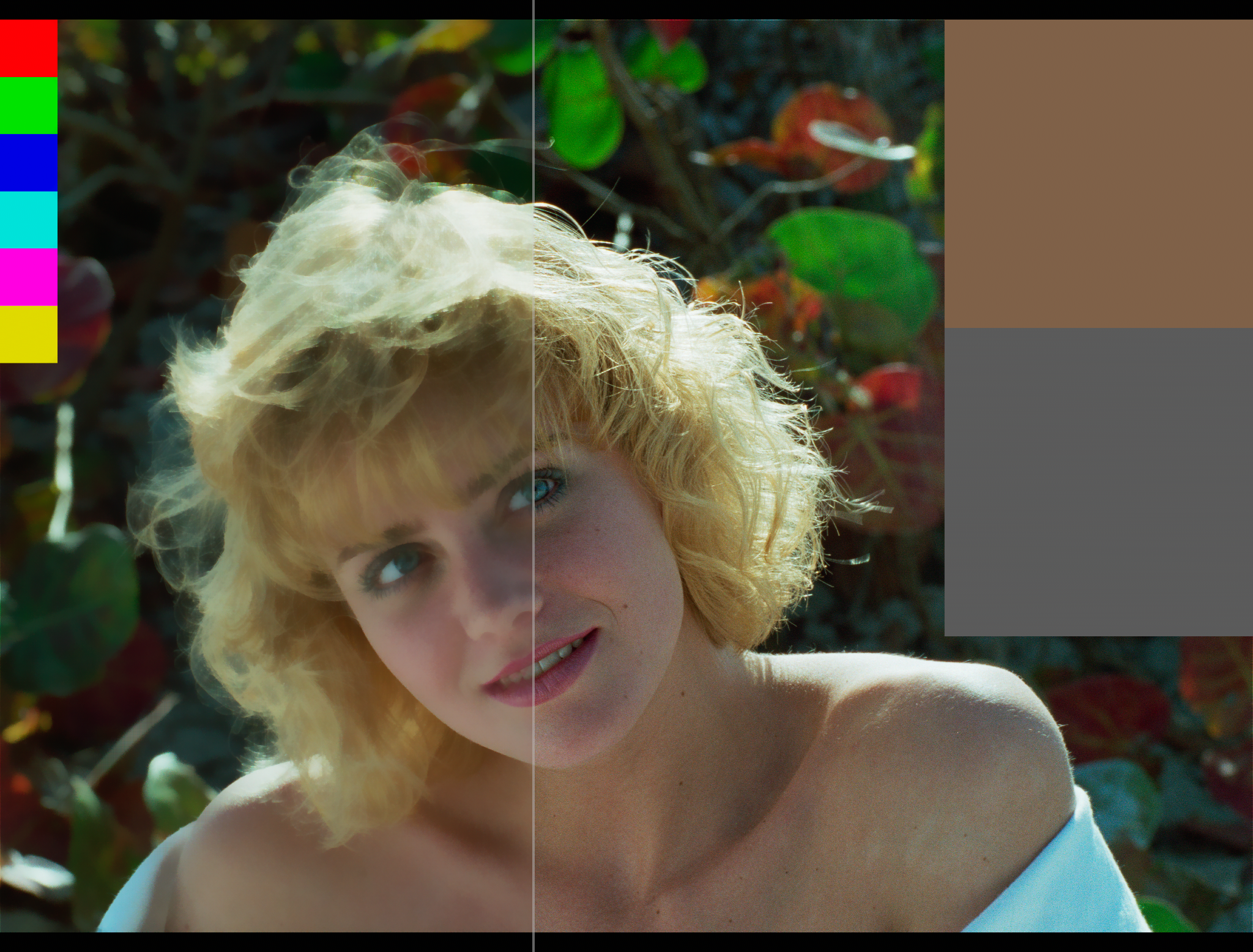
LULU Flow is an adaptive, directional smoothing tool based on classical LULU operators (Lower Upper Lower Upper). Unlike a standard blur, it analyzes the image in multiple directions and can follow local structures and edges, producing a more organic and edge-preserving result.
Main controls include Size, Amount, Organic, Edge Aware, Edge Protection, Edge Threshold, and Directions.
A practical use case includes artifact cleanup, wrinkle removal, digital beauty and rejuvenation, and frequency-based matte or texture work. For example, if you need to extract a soft, out-of-focus bush with bright and dark leaves to place something behind it, LULU Flow can help isolate the problematic spatial frequencies without heavily damaging the overall shape.
A simple workflow is:
Base = LULU Flow
Detail = Original - Base using Merge From/Minus
Then process only the Detail and reconstruct with:
Result = Base + Detail using Merge Plus
You can also use a multiplicative workflow with Divide / Multiply when relative light and dark variations need to be preserved.
or register to download or rate.
Comments