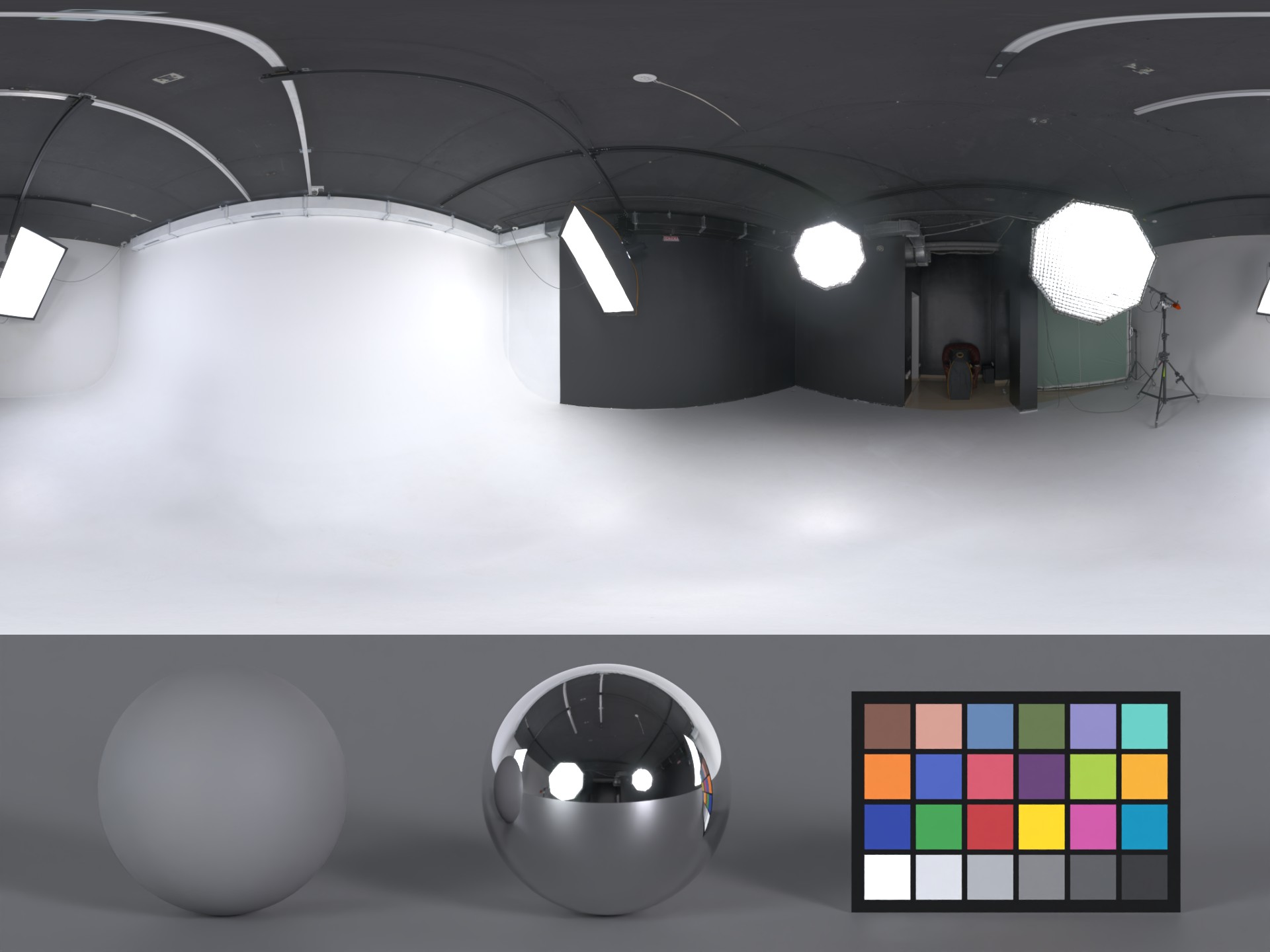
Renders a preview image for an HDRI: the HDRI lights a studio scene with a grey sphere in 18 % mid-grey, a chrome sphere and a color checkerboard in the X-Rite ColorChecker Classic reference colors.
HDRI Preview
First submitted: 19 November 2026
Author: Jonas Kluger
Website: https://das-element.com/
Compatible Nuke versions: All
Compatibility: Source
HDRI Preview
Renders a preview image for an HDRI: the HDRI lights a studio scene with a grey sphere in 18 % mid-grey, a chrome sphere and a color checkerboard in the X-Rite ColorChecker Classic reference colors.
Requirements
Blender 4.5 LTS or newer
Python 3, no extra packages
Install
Unpack the package into any folder. The folder holds the files hdri.py, render.py and hdri.blend, keep these files together.
Configure
hdri.py selects Blender based on the operating system. If Blender is installed elsewhere, edit the matching BLENDER assignment in the USER CONFIGURATION block near the top of the file.
System | Default |
|---|---|
Windows |
|
macOS |
|
Linux |
|
Usage
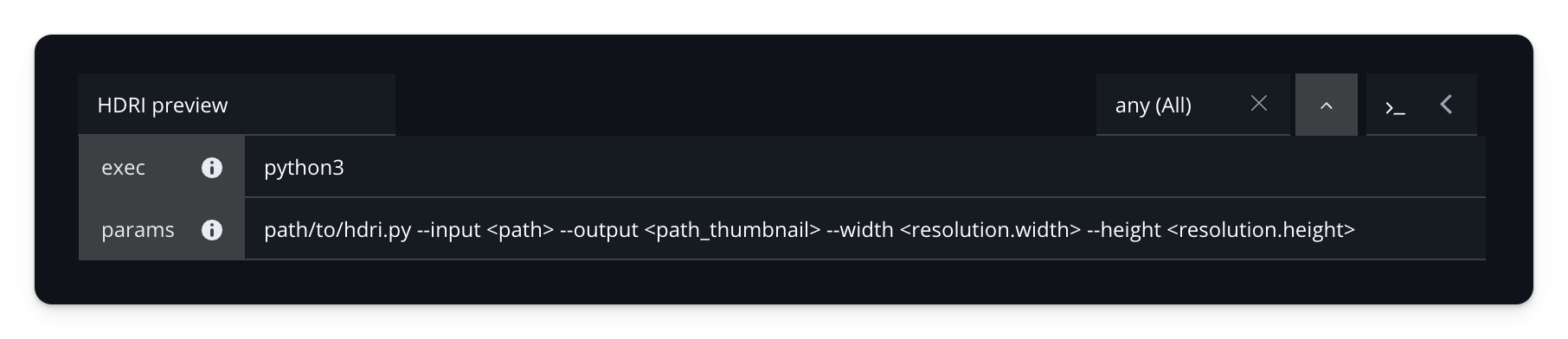
python /path/to/hdri.py --input <path> --output <path_thumbnail>With options:
python /path/to/hdri.py --input <path> --output <path_thumbnail> --width <resolution.width> --height <resolution.height> --rotation 90--rotation 90 rotates both the panorama and scene lighting by 90°. Positive values move features right, with seamless wraparound. The source file is unchanged.
Set the Blender path at the top of hdri.py first, see Configure. Paths are relative to the folder you call the command from.
Option | Meaning |
|---|---|
| Required |
| Required |
| Preview width (Default: 1920) |
| Preview height (Default: 1440) |
| Rotate the panorama and lighting (Default: 0) |
Omitted dimensions follow the scene's aspect ratio. Omitted rotation uses the scene's render_preview_rotation value.
The scene
The main scene is hdri.blend, open it in Blender and change anything you like: objects, materials, camera, render engine, color management. Save it, the next render uses it. Keep these two, with their names:
The image
render_preview_hdriin the Environment Texture node of the world. To see the world's nodes, open the Shading workspace and switch the Shader Editor from Object to World. The image has no file, so the world stays black until a render puts your HDRI into it.The scene property
render_preview_rotationunder Properties editor → Scene tab → Custom Properties. It controls panorama and lighting rotation in radians when--rotationis omitted.
Samples and image quality come from the scene's render and output settings. The render size there sets the default image size and its shape, see Usage.
MIT License
Copyright (c) 2026 Das Element / Jonas Kluger
Permission is hereby granted, free of charge, to any person obtaining a copy of this software and associated documentation files (the "Software"), to deal in the Software without restriction, including without limitation the rights to use, copy, modify, merge, publish, distribute, sublicense, and/or sell copies of the Software, and to permit persons to whom the Software is furnished to do so, subject to the following conditions: The above copyright notice and this permission notice shall be included in all copies or substantial portions of the Software.
THE SOFTWARE IS PROVIDED "AS IS", WITHOUT WARRANTY OF ANY KIND, EXPRESS OR IMPLIED, INCLUDING BUT NOT LIMITED TO THE WARRANTIES OF MERCHANTABILITY, FITNESS FOR A PARTICULAR PURPOSE AND NONINFRINGEMENT. IN NO EVENT SHALL THE AUTHORS OR COPYRIGHT HOLDERS BE LIABLE FOR ANY CLAIM, DAMAGES OR OTHER LIABILITY, WHETHER IN AN ACTION OF CONTRACT, TORT OR OTHERWISE, ARISING FROM, OUT OF OR IN CONNECTION WITH THE SOFTWARE OR THE USE OR OTHER DEALINGS IN THE SOFTWARE.
or register to download or rate.
Comments