***SP2 TOOLS (SP2_Soft_Keyer.Gizmo)' Nuke'***
**“Learn today so you can lead tomorrow.”
"Nothing is impossible "**
***SP2 TOOLS (SP2_Soft_Keyer.Gizmo)' Nuke'***
**“Learn today so you can lead tomorrow.”
"Nothing is impossible "**
First submitted: 4 August 2026
Updated: 3 September 2026
Author: Sampath S
Compatible Nuke versions: 14.0 or later
Compatibility: Source
Tool layout video:
https://youtu.be/mwFP1-Bo4aQ?si=I7yWNMQW-b2AzIx6
Python Script – One-Click Shuffle & Roto Gizmo This gizmo is powered by a custom Python script that creates both Shuffle and Roto nodes with a single button click, making the workflow faster and more efficient. This tool is the result of long-term research, experimentation, and workflow optimization. I designed this unique pattern to simplify repetitive compositing tasks while maintaining a clean and organized node graph. The workflow reflects my own approach to compositing and is built to improve speed, consistency, and productivity. This pattern has become an essential part of my personal toolkit, helping me achieve professional results with greater efficiency.
Tool video link :
https://youtu.be/vJUNj9LHqfw?si=oteyJ57ZyGg2e0LU
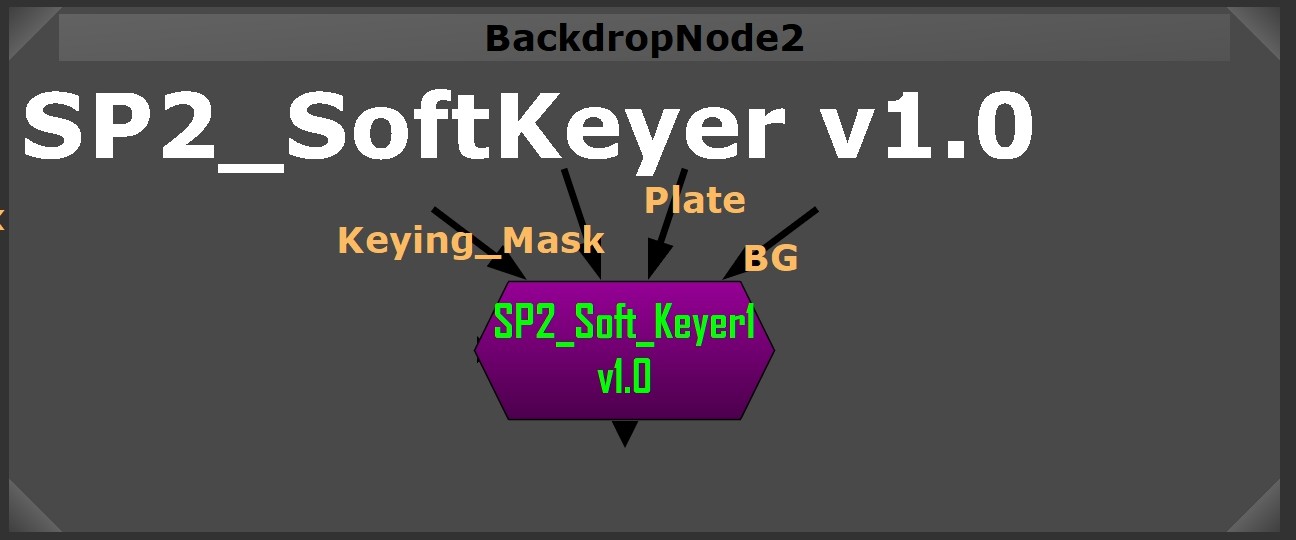
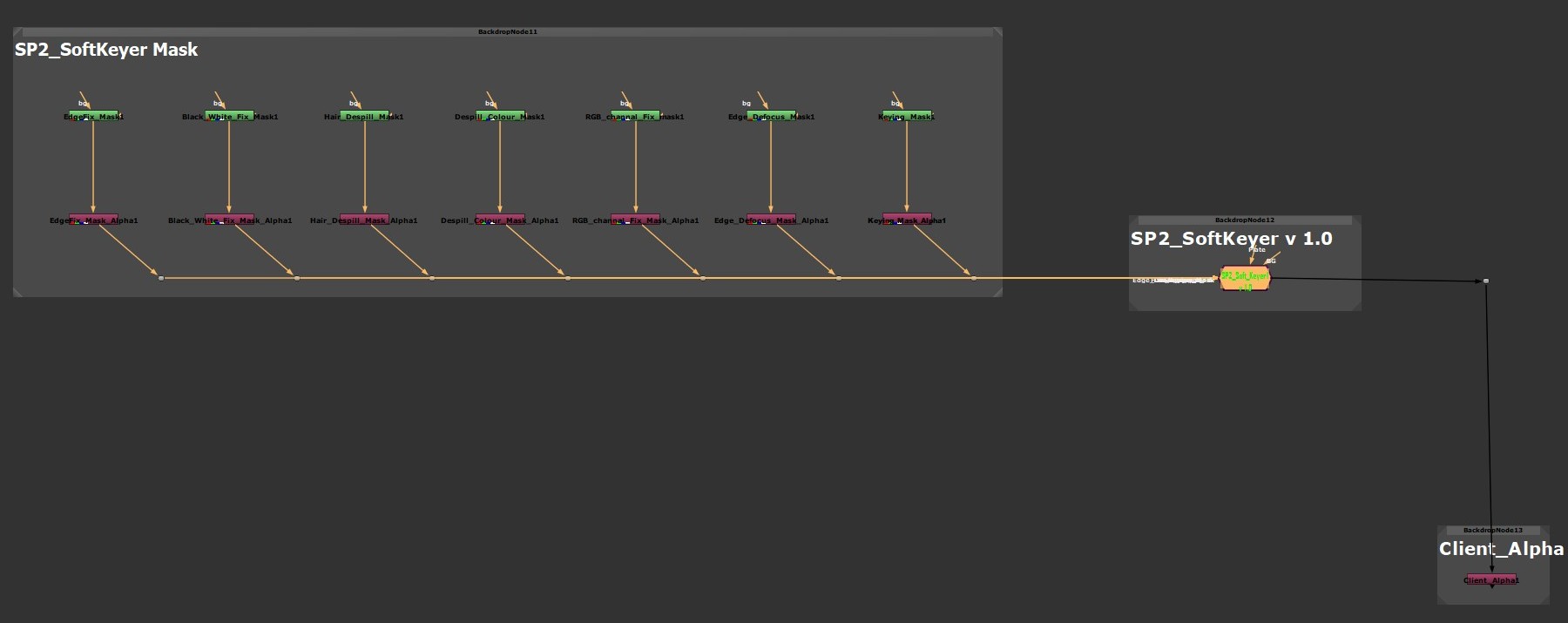
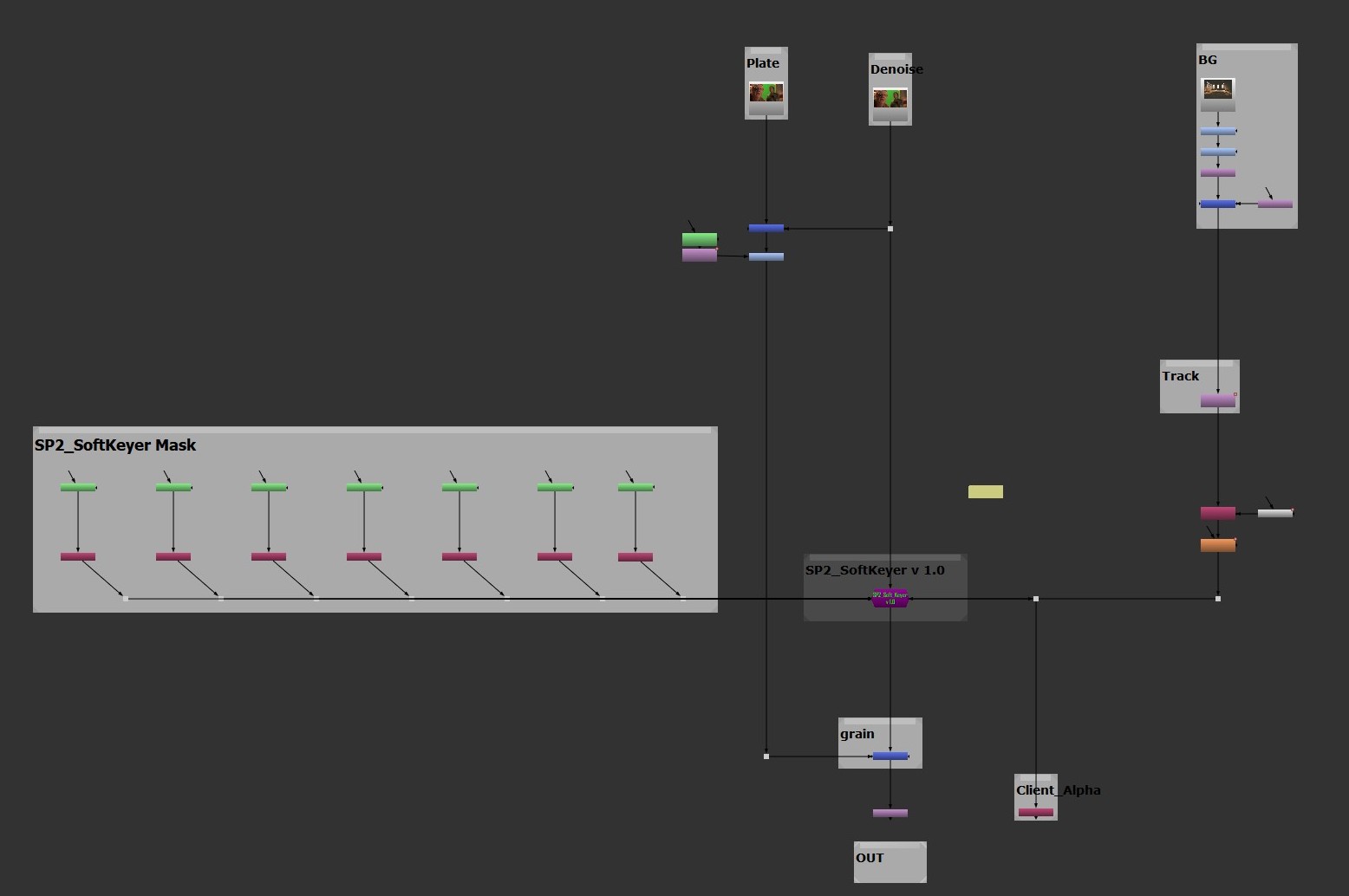
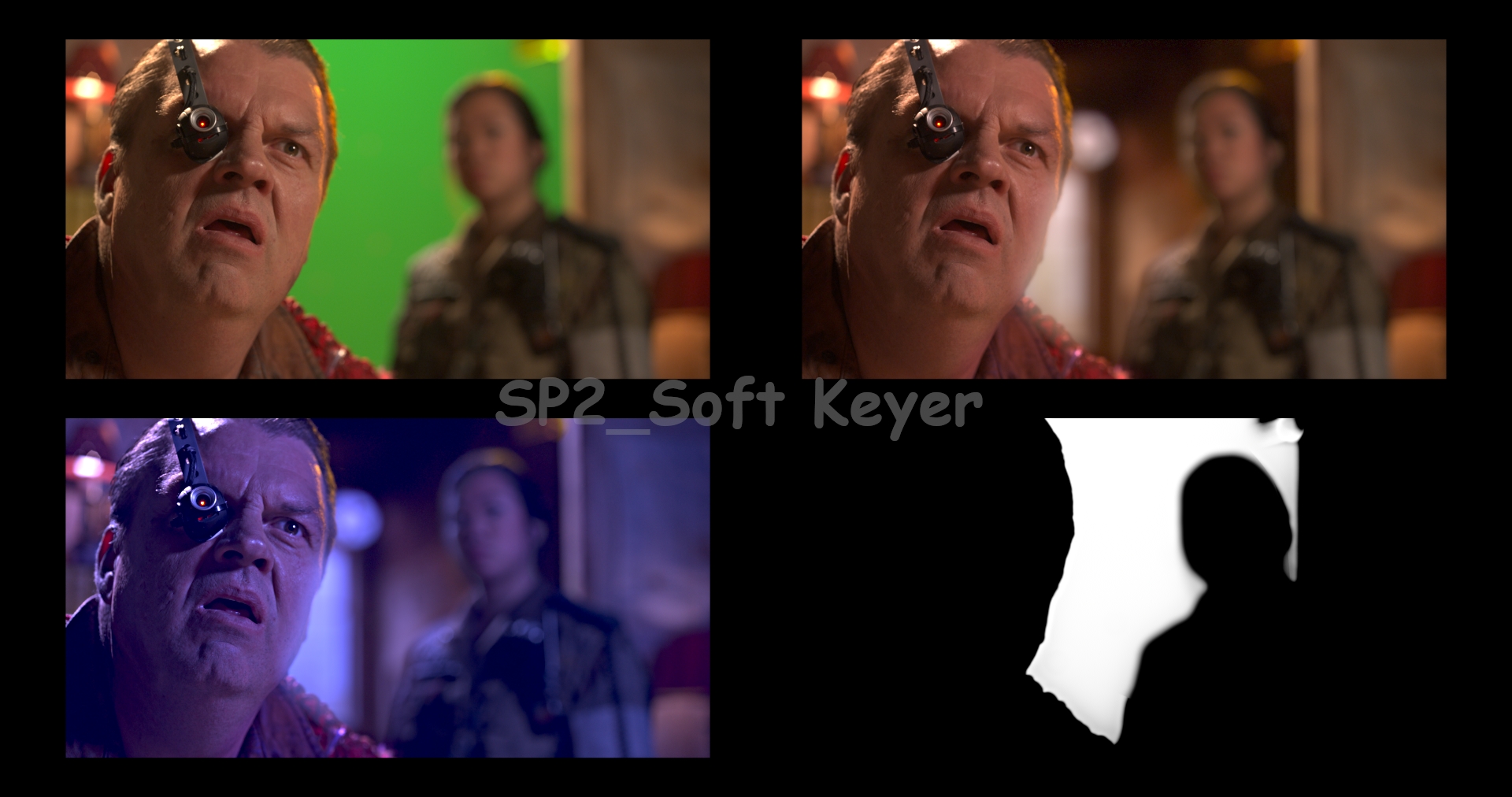 Softkeyer Help SP2 TOOLS – Professional Keying Solution for NUKE ------------------------------------------------- Soft_Keyer is an all-in-one advanced keying gizmo designed for Green, Blue, and custom RGB screen footage. ------------------------------------------------- TOOL SECTIONS ------------------------------------------------- 1. Keying Color – RGB • Select screen color (Green / Blue / Custom RGB) • Create base matte • Do not over-tighten at this stage 2. Client_Alpha • Non-destructive alpha control • Safe for client feedback adjustments 3. RGB Channel Dark / Light Remove • Removes unwanted dark/light contamination • Works per RGB channel • Useful for uneven screens and LED walls 4. Alpha_Mask • Area-based alpha masking • Use for garbage mattes or problem zones 5. Alpha Fill Gap • Fills holes inside alpha • Helps motion blur and transparent areas 6. Clean Plate • Stabilizes difficult keys • Useful for wrinkles, markers, and flicker 7. Screen Despill Color • Primary despill control • Removes screen color contamination • Preserve skin tones 8. Hair Despill • Fine despill for hair and fur • Prevents gray or crunchy edges 9. Black & White Fix • Strengthens matte contrast • Fixes milky whites and weak blacks 10. EdgeFix • Final edge refinement • Blur, choke, sharpen, spread 11. Lightwarp • Wraps background light onto edges • Use subtle values for realism 12. Chromatic • Fixes chromatic aberration • Reduces color fringing 13. OverAll Grade • Final foreground balance • Helps match background lighting ------------------------------------------------- PRO TIPS ------------------------------------------------- • Always check RGB and Alpha views • Zoom edges 200–300% • Avoid heavy despill before clean matte • Subtle edges look more realistic ------------------------------------------------- © SP2 TOOLS_SAMPATH S(senior Compositor) Soft_Keyer.Gizmo
Comments