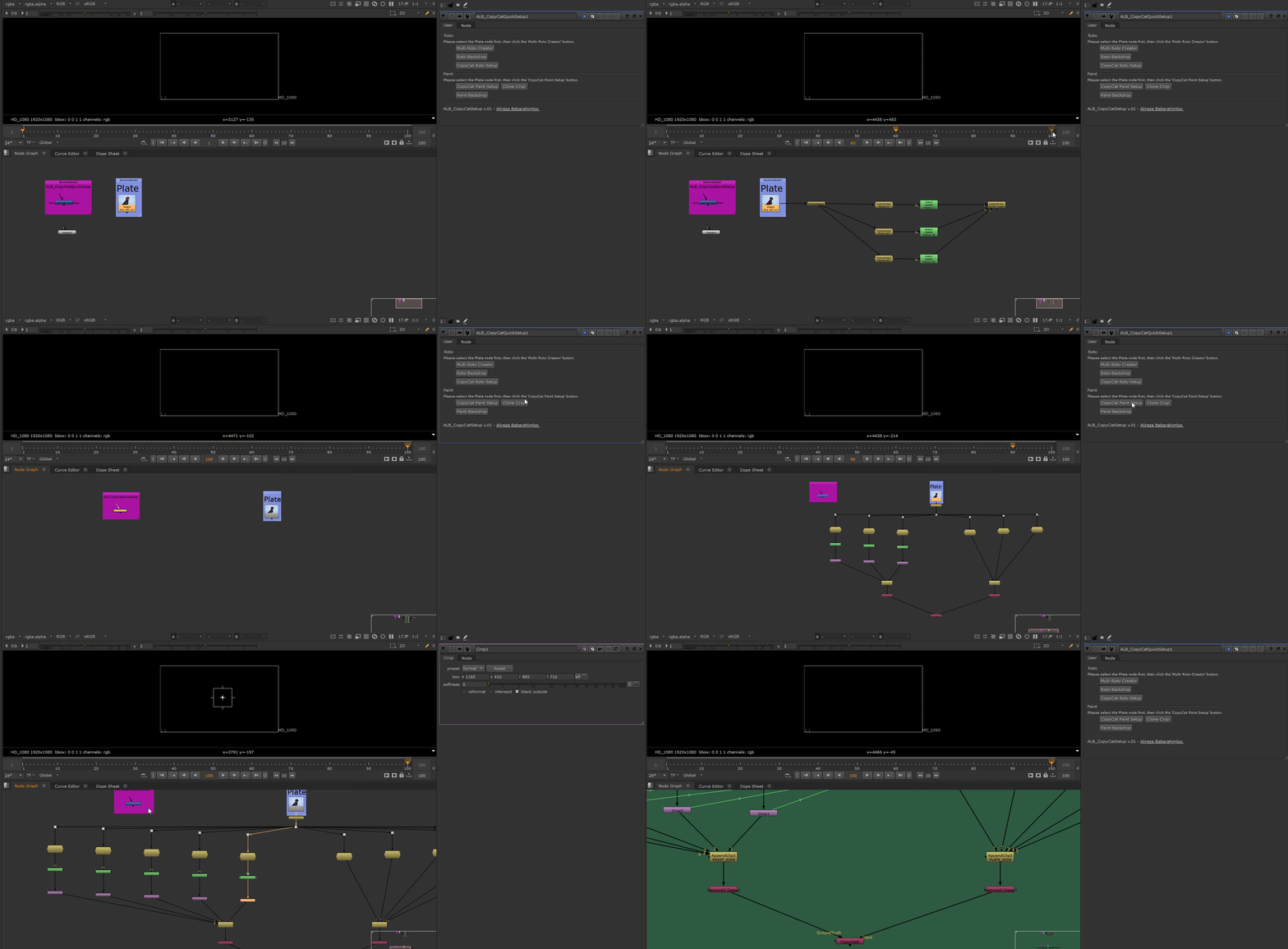
ALB_CopyCatQuickSetup is a tool that allows you to quickly create setups for roto and paint when using the CopyCat node.
Roto:
Multi-Roto Creator (Button): Select the Plate node first, then click this button on each frame where you want to create Roto setup nodes.
Roto Backdrop (Button): Select the roto nodes and click this button to create a backdrop.
CopyCat Roto Setup (Button): Select the AppendClip node and click this button to create the CopyCat Roto setup.
Paint:
CopyCat Paint Setup (Button): Select the Plate node first, then click this button on each frame where you want to create CopyCat Paint setup nodes.
Clone Crop (Button): Select the Crop nodes and click this button to create clones of the selected Crop nodes for proper FrameHold nodes (Plate-side).
Paint Backdrop (Button): Select the CopyCat Paint setup nodes and click this button to create a backdrop.
Comments