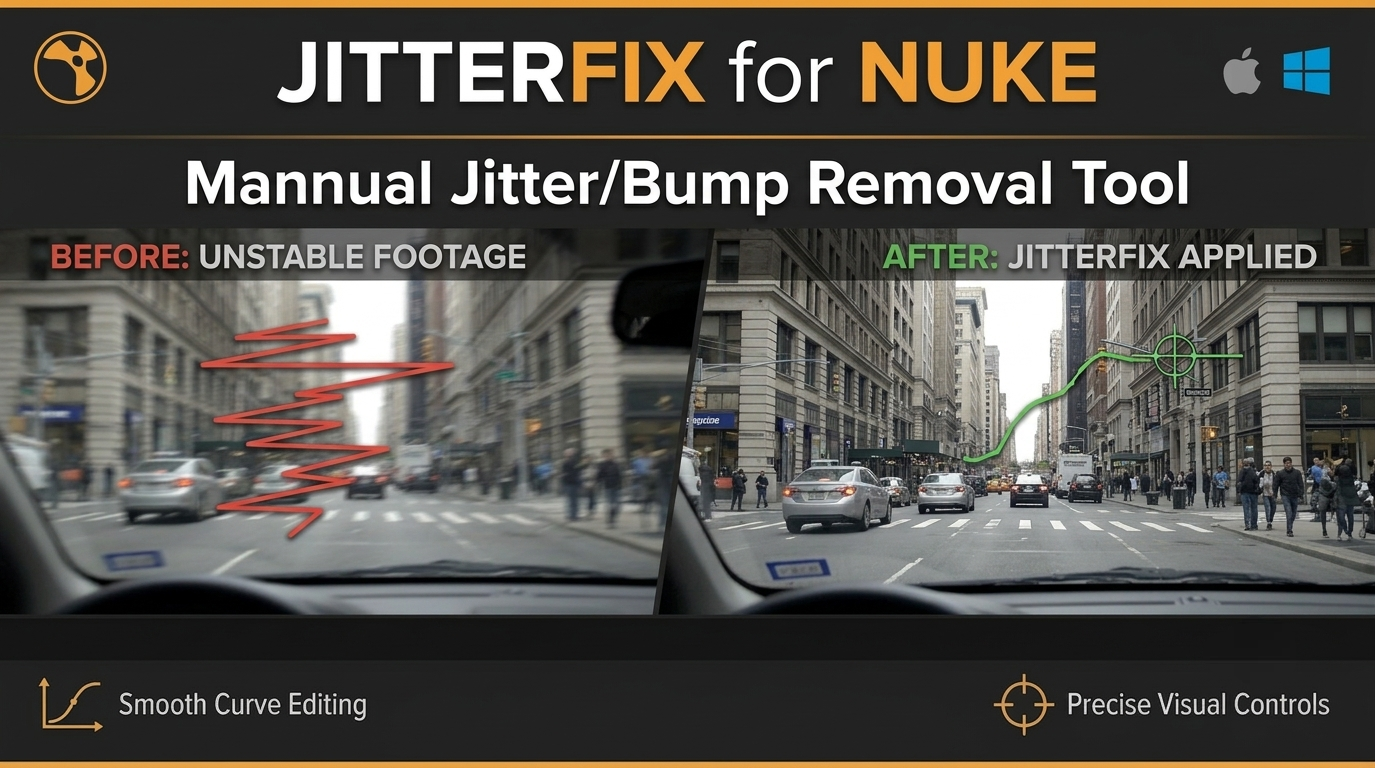
This tool is designed to isolate, smooth, or completely remove
high-frequency jitter/bump on a specific frame or frame range
manually.
-----------------------------------------------------------
HOW IT WORKS:
-----------------------------------------------------------
Step1. TRACK THE BUMP:
Click [track] to open Tracker properties. Track the feature that
contains the camera bump or jitter.
Step2. BAKE THE ANIMATION:
Turn ON the switch next to [copyTrack], then click [copyTrack].
This copies the data into internal transform nodes.
Step3. FIX SPECIFIC FRAMES MANUALLY:
Click [fixTrack]. This selects Transform and displays its
motion path curve directly over your image in the Viewer.
- Look at the curve path in the Viewer to easily spot where
the jitter/bump spike occurs.
- Scrub to the bad frame.
-Move the transform manually to smooth out the curve line perfectly.
Note: Always ensure the on/off switch is checked before clicking
[copyTrack] to prevent accidental data overwrites.
Comments