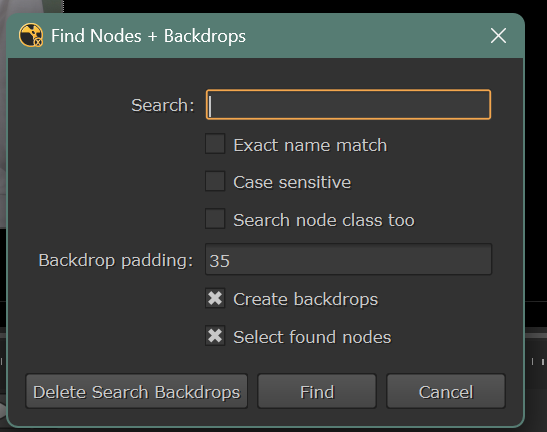
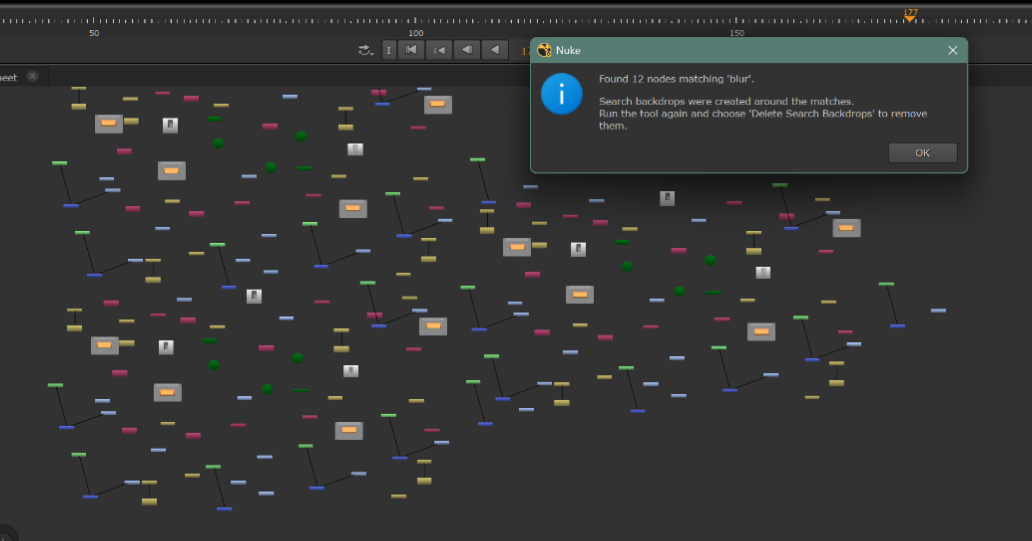
Allows you to find any node that hidden in a sea of hundreds of nodes, easily.
A step up from nuke's default search "?"
Allows you to find any node that hidden in a sea of hundreds of nodes, easily.
A step up from nuke's default search "?"
First submitted: 9 October 2026
Author: lou Cannizzo
Website: http://louvfx.com
Compatible Nuke versions: All
Compatibility: Windows
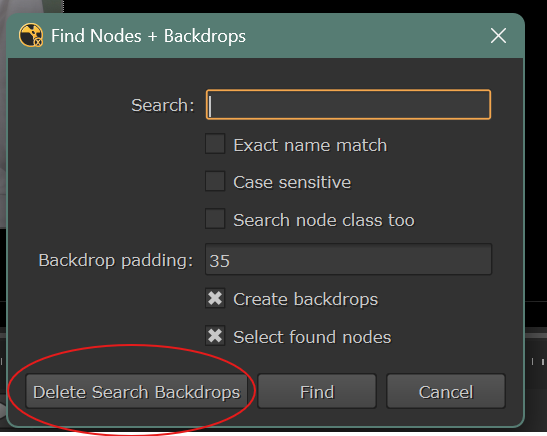
It adds a backdrop around the node so you can easily locate your node(s). Then, Simply hit F7 again, and choose Delete to delete the backdrops.
INSTALL:
Copy FindNodesWithBackdrops.py to your .nuke folder
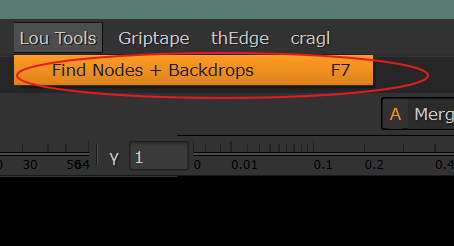
Copy script below to your Menu.py located in the .nuke folder.
Change "F7" to whatever hotkey you desire.
import nuke
nuke.message("NUKE 17.0 MENU.PY IS LOADING")
import FindNodesWithBackdrops
nuke.menu("Nuke").addCommand(
"Lou Tools/Find Nodes + Backdrops",
"FindNodesWithBackdrops.find_nodes_with_backdrops()",
"F7"
)
Enjoy :)
Comments