Makes adding dynamic springy/bouncy curves a breeze!
Springifier
First submitted: 23 July 2026
Author: Yorben Otto
Compatible Nuke versions: 15.0 or later
Compatibility: Windows
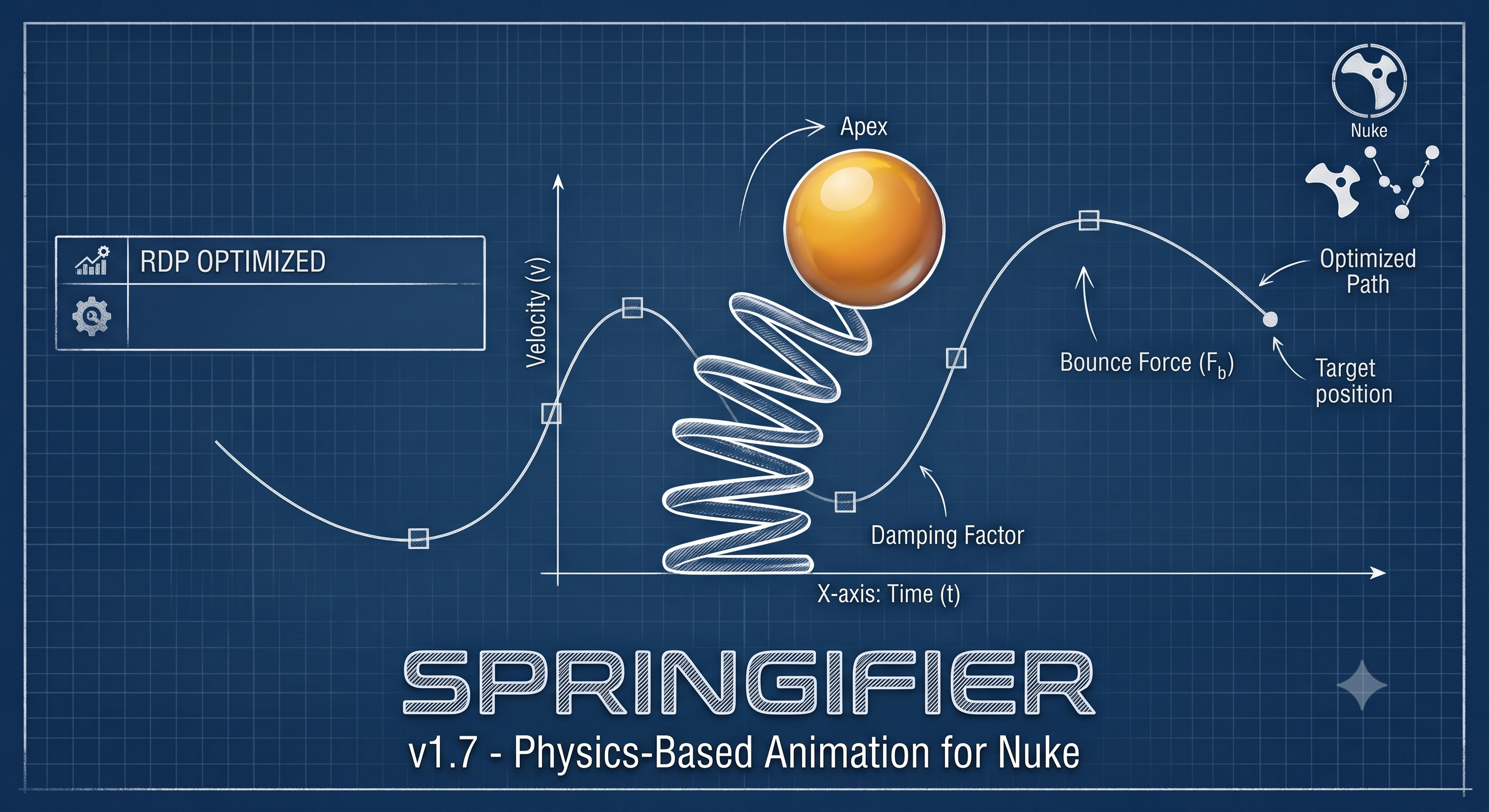
Add dynamic, physics-based spring animations directly to your Nuke knobs with Springifier. This tool calculates optimal simulation quality using an auto-substep math engine to bring your keyframed animations to life effortlessly.
Key Features
Interactive Visualizer: See a real-time graph of your spring curve before you bake it.
Physics Controls: Fine-tune your animation using four distinct parameters: Frequency (Speed), Damping (Friction), Response (Anticipation/Overshoot), and Sensitivity (Amplitude/Lookahead).
Channel Selection: Target specific animation channels (X, Y, Z, W) for your spring effect.
Non-Destructive Workflow: Easily remove the effect and revert to your original keyframes using the "Restore Original" button.
Output Modes
Tailor the exact behavior of the spring effect with three distinct output modes:
Standard: Combines your original target animation with the physics result.
Bounce: Calculates your target animation plus the absolute difference of the physics, creating a bouncing effect.
Wiggle Only: Isolates the physics effect and centers it at 0, removing the original target's translation.
Built-in Presets
Springifier comes loaded with a variety of starting points, but you can also save your own custom styles. Built-in presets include:
Default
Jello / Pudding
Rubber
Fat / Flesh
Sponge
Honey / Molasses
Water Surface
Spring Steel
Wood
Heavy Iron
Silk / Cloth
Soap Bubble
How to Use
Once installed, you can launch the tool by navigating to the Animation (right click on a knob) menu and selecting "Spring Maker...". Select your desired animated knobs or target an entire node to apply the physics.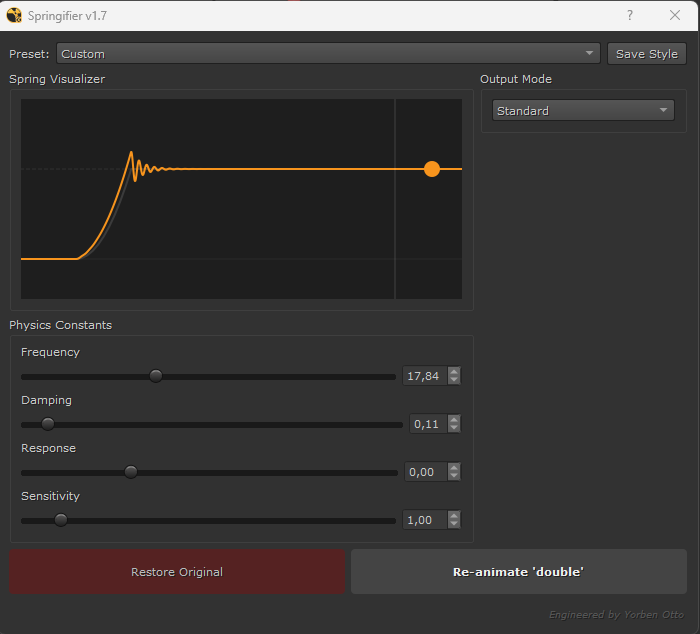
Installation
Download and Extract: Download the Springifier tool and extract the zip archive.
Move the Folder: Place the entire extracted
springifierfolder into your.nukedirectory (or any other custom directory that is part of yourNUKE_PATH).Typical
.nukelocations:Windows:
C:\Users\<YourUsername>\.nukemacOS:
/Users/<YourUsername>/.nukeLinux:
/home/<YourUsername>/.nuke
Update
menu.py: Open yourmenu.pyfile (located in your.nukedirectory). If it doesn't exist yet, simply create a new text file and name itmenu.py.Add the Code: Add the following lines to your
menu.pyfile to tell Nuke where to look for the folder and how to register the tool:Python
import nuke

# Add the folder to Nuke's plugin path
nuke.pluginAddPath('./springifier')

# Import the tool and register the menu
import springifier
springifier.register()
Restart Nuke: Save your
menu.pyfile and restart Nuke. You will now see the Spring Maker... tool available in your Animation menu!
or register to download or rate.
Comments