Launch tool splash_screen logo inspire Cloud AI Help
# NK Tools Manager
## Full PySide2 / PySide6 Tool Manager for Nuke 13–16+
---
## Files
| File | Purpose |
|---|---|
| `pyside_compat.py` | Auto-selects PySide2 or PySide6 based on Nuke version |
| `zip_utils.py` | Zip, unzip, install, uninstall, manifest management |
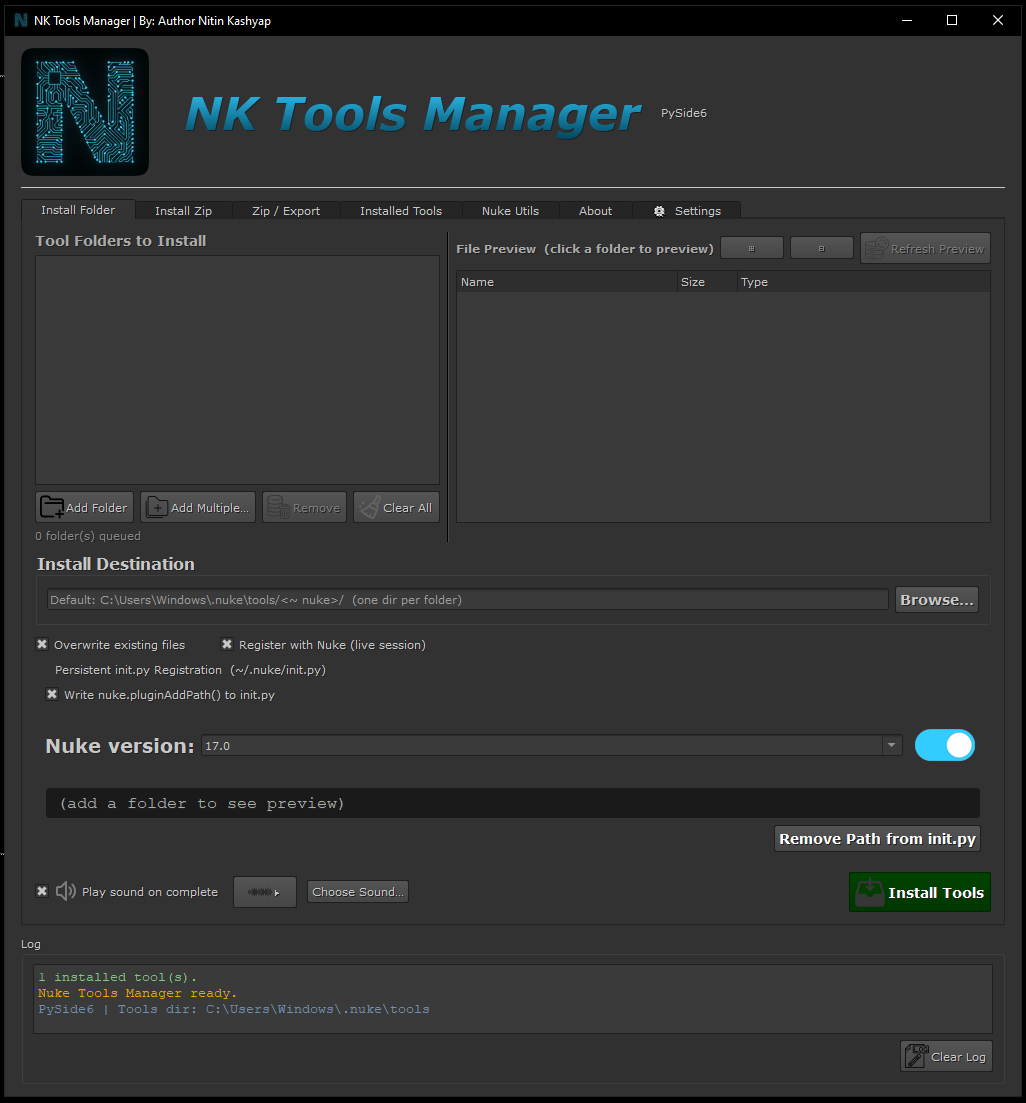
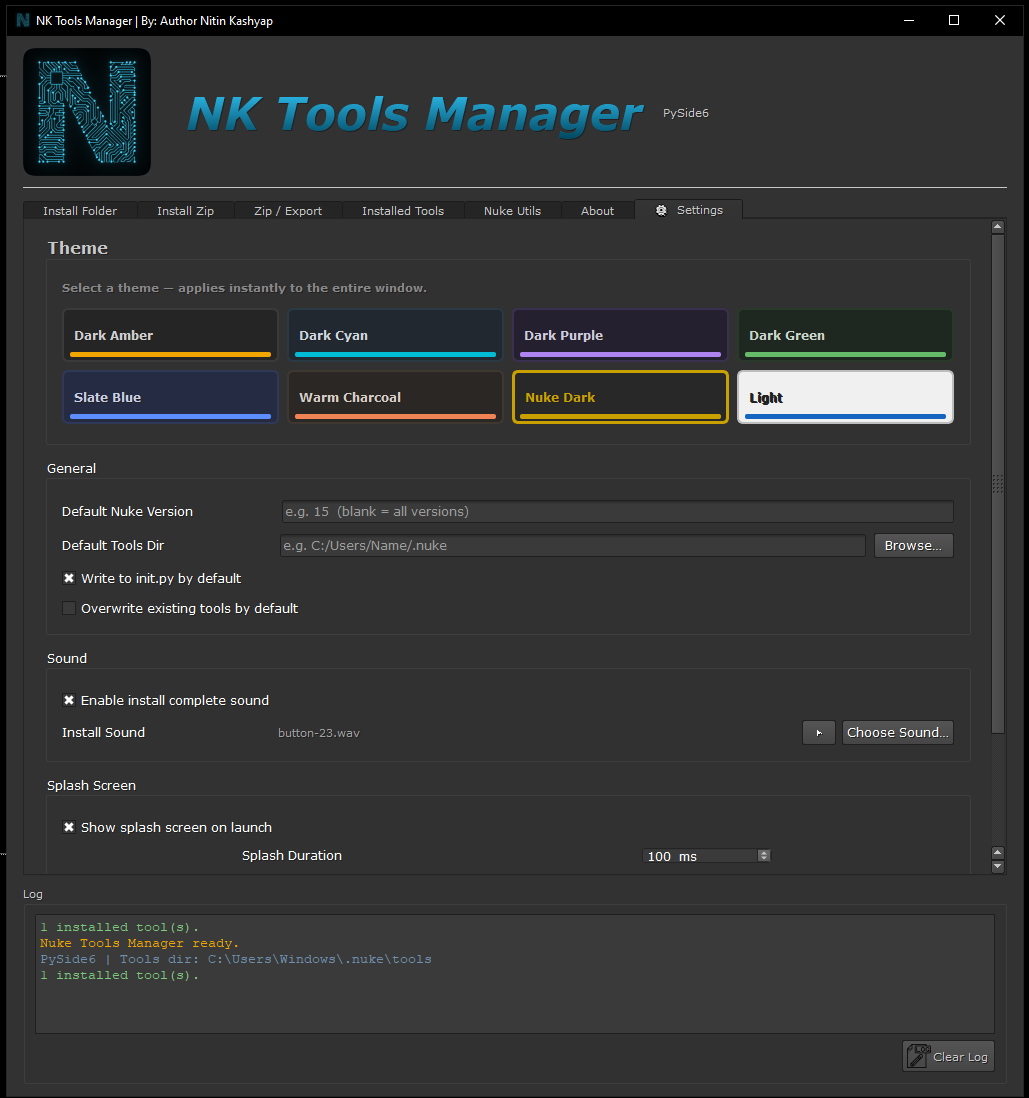
| `tool_manager_ui.py` | Full 4-tab GUI — run standalone OR from inside Nuke |
| `init.py` | Copy to `~/.nuke/` — auto-registers tools on Nuke startup |
| `menu.py` | Copy to `~/.nuke/` — adds "Tools Manager" to Nuke's menubar |
---
## Nuke Version → PySide
| Nuke | Python | PySide2 PySide6 |
|---|---|---|
| 13.x | 3.7 | PySide2 |
| 14.x | 3.9 | PySide2 |
| 15.x | 3.10 | PySide6 |
| 16.x | 3.11 | PySide6 |
---
## Installation
### Step 1 — Copy the tools folder
```
~/.nuke/
├── init.py ← copy from this package (or merge)
├── menu.py ← copy from this package (or merge)
└── tools/
├── pyside_compat.py
├── zip_utils.py
└── tool_manager_ui.py
```
### Step 2 — Install PySide (if not already present)
```bash
# For Nuke 13/15
pip install PySide2
# For Nuke 16/17
pip install PySide6
```
Or using Nuke's bundled Python:
```bash
# Find Nuke's Python path, e.g.:
/Applications/Nuke15.0v1/Nuke15.0v1.app/Contents/MacOS/python -m pip install PySide2
```
### Step 3 — Launch
**From Nuke's Script Editor:**
```python
import sys
sys.path.insert(0, os.path.expanduser('~/.nuke/tools'))
import tool_manager_ui
tool_manager_ui.show()
**From Nuke's menubar** (after `menu.py` is in `~/.nuke/`):
```
Nuke → NK Tools Manager → Open Tools Manager
```
**Standalone (outside Nuke, for testing):**
```bash
cd ~/.nuke/NK_tools_manager
python tool_manager_ui.py
```
---
## Tabs
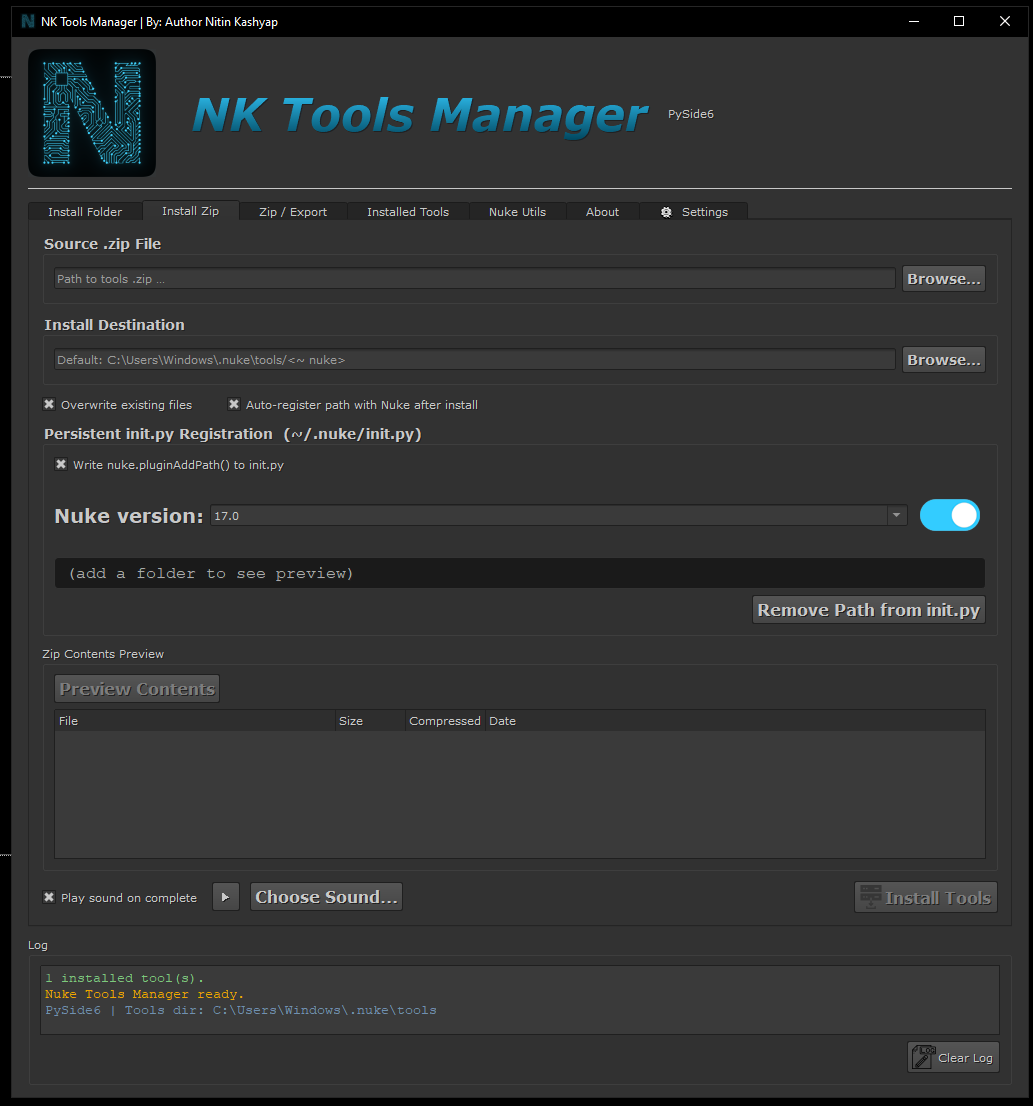
### 📦 Install
- Browse to a `.zip` file
- Preview its contents before installing
- Choose destination (default: `~/.nuke/tools/<name>/`)
- Optionally auto-register the path with Nuke
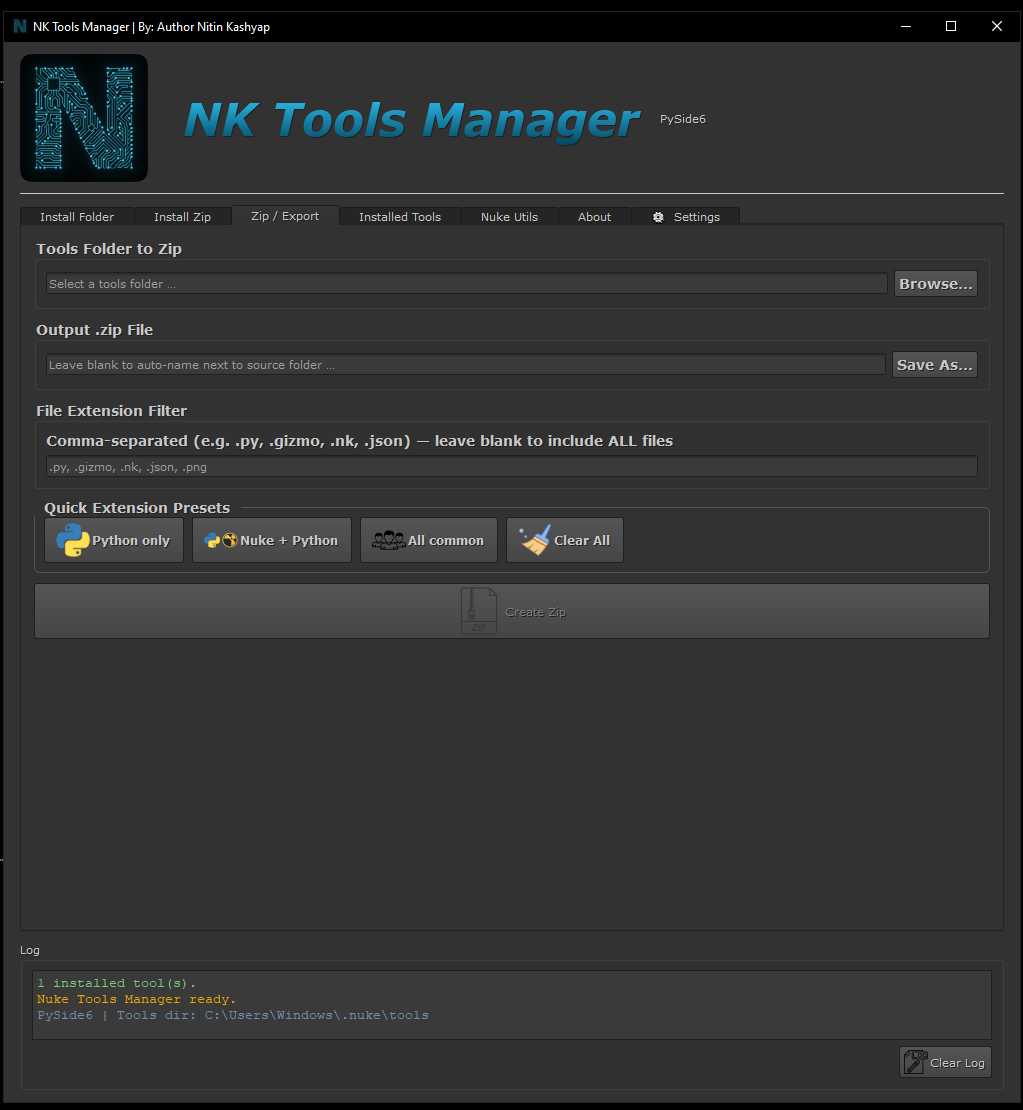
### 🗜 Zip / Export
- Select a tools folder
- Filter by extension (`.py`, `.nk`, `.gizmo`, etc.)
- Quick presets: Python only, Nuke+Python, All common
- Creates a distributable `.zip`
### 🗂 Installed Tools
- Lists all tools recorded in `manifest.json`
- Expand rows to see individual files
- Open folder, register with Nuke, or uninstall
### 🎬 Nuke Utils
- **Node Finder** — search by name/class pattern and select
- **Batch Ops** — select all, deselect, disable/enable, delete, zoom to fit, copy
- **Knob Setter** — set any knob value across selected nodes
- **Script Info** — FPS, frame range, node count, top node classes
- **Node Creator** — create any node class by name
---
## zip_utils.py Public API
```python
from zip_utils import (
zip_folder, # Pack a folder → .zip
list_zip_contents, # Inspect a .zip without extracting
install_from_zip, # Extract + record in manifest
uninstall_tool, # Remove tool dir + manifest entry
get_installed_tools, # Returns full manifest dict
register_tool_path, # sys.path + nuke.pluginAddPath()
register_all_installed, # Register everything in manifest
)
# Example: zip and install in one go
zip_path = zip_folder('/my/tool_folder')
install_dir = install_from_zip(zip_path)
register_tool_path(install_dir)
```
## Manifest
After the first install, a `manifest.json` is created at `~/.nuke/tools/manifest.json`:
```json
{
"my_tool": {
"install_dir": "/Users/you/.nuke/tools/my_tool",
"zip_source": "/Downloads/my_tool.zip",
"installed_at": "2025-06-01T12:34:56",
"file_count": 12,
"files": ["my_tool/__init__.py", "my_tool/core.py", ...]
}
}
```
Comments