Samples the Viewer ROI, converts the average colour to HSVL, and creates a StickyNote with the values for quick reference.
SR_HSVLfromROI
First submitted: 4 October 2026
Author: Sean Brian Rowlands
Website: https://seanbrvfx.com/
Compatible Nuke versions: 12.0 or later
Compatibility: Windows
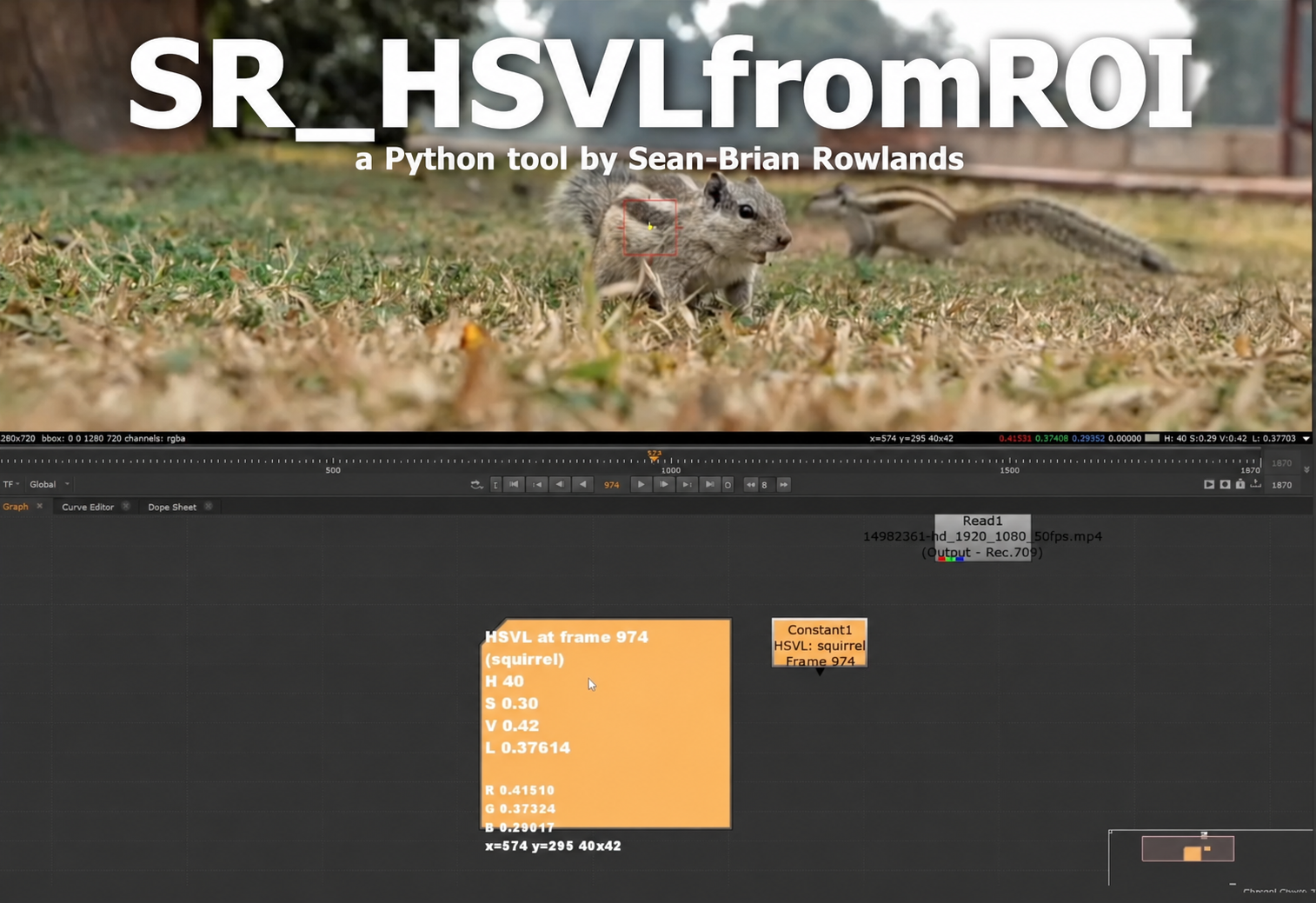
SR_HSVLfromROI is a lightweight Nuke python (.py) file for quickly sampling and documenting colour values from the active Viewer ROI. It averages the selected region and converts it to Hue, HSV Saturation, HSV Value and BT.709 luminance, then creates a StickyNote containing HSVL, RGB, frame and ROI information. SR_HSVLfromROI
Use Ctrl + Shift + Enter for a quick sample that instantly creates the StickyNote. Use Ctrl + Shift + Alt + Enter to open the options dialog, where you can add a custom label and optionally create a matching Constant node from the sampled colour. The tool is also available from the Viewer right-click menu and accounts for proxy and downrez modes when sampling.
Watch a short video/demo here: seanbrvfx.com/tools
You can also find my github containing more small tools here
or register to download or rate.
Comments